
Tool calling on the DipoleML API: let Raven call your functions
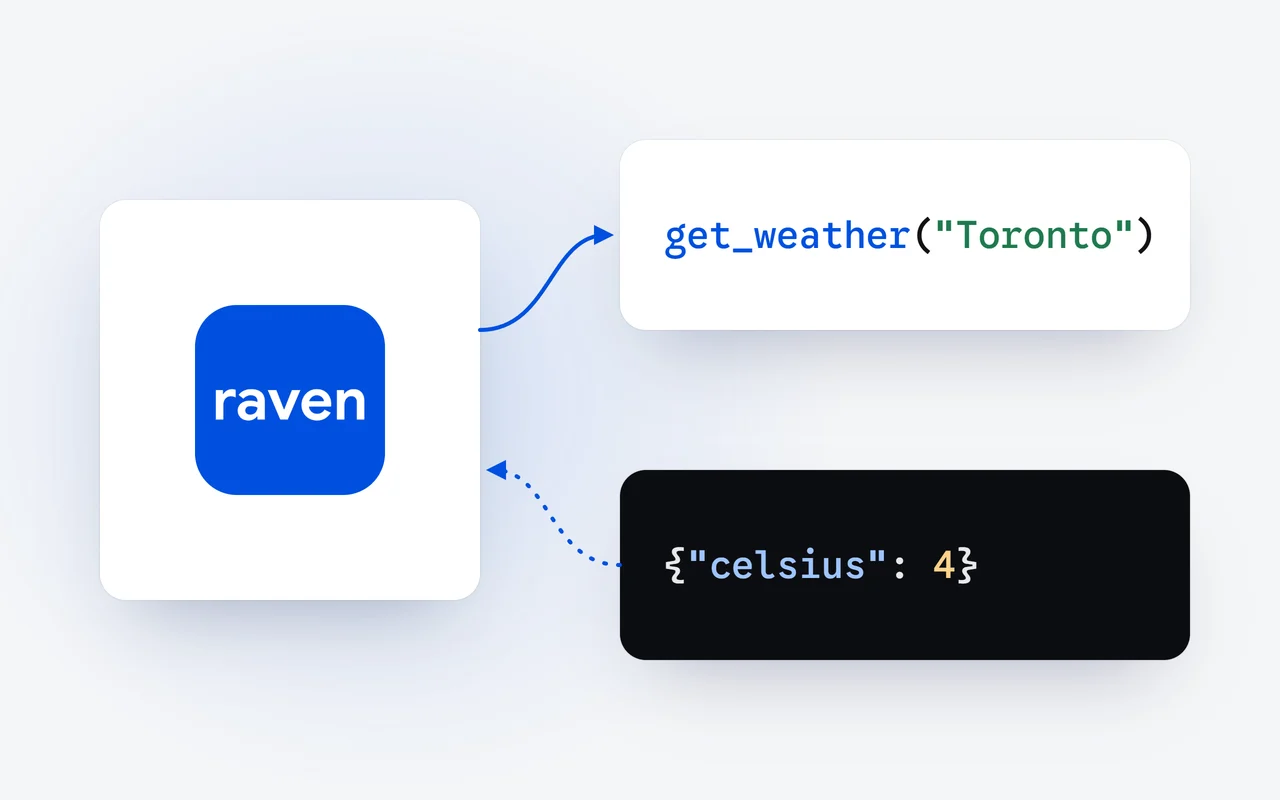
Tool calling lets Raven Flash and Raven Max use functions in your own code. You describe each function in the request; when the model needs one, it answers with a call instead of text. Your code runs the function and sends the result back, and the model finishes the answer, all through the OpenAI SDK.
Key facts
- Tool use has been part of the DipoleML API since launch day, October 1, 2026, in the OpenAI SDK format.
- Each tool is a function with a name, a description and its parameters as JSON Schema.
- When Raven wants a tool, finish_reason is tool_calls, and each call's arguments arrive as a JSON string.
- Send each result back as a tool message with its tool_call_id, and repeat until finish_reason is stop.
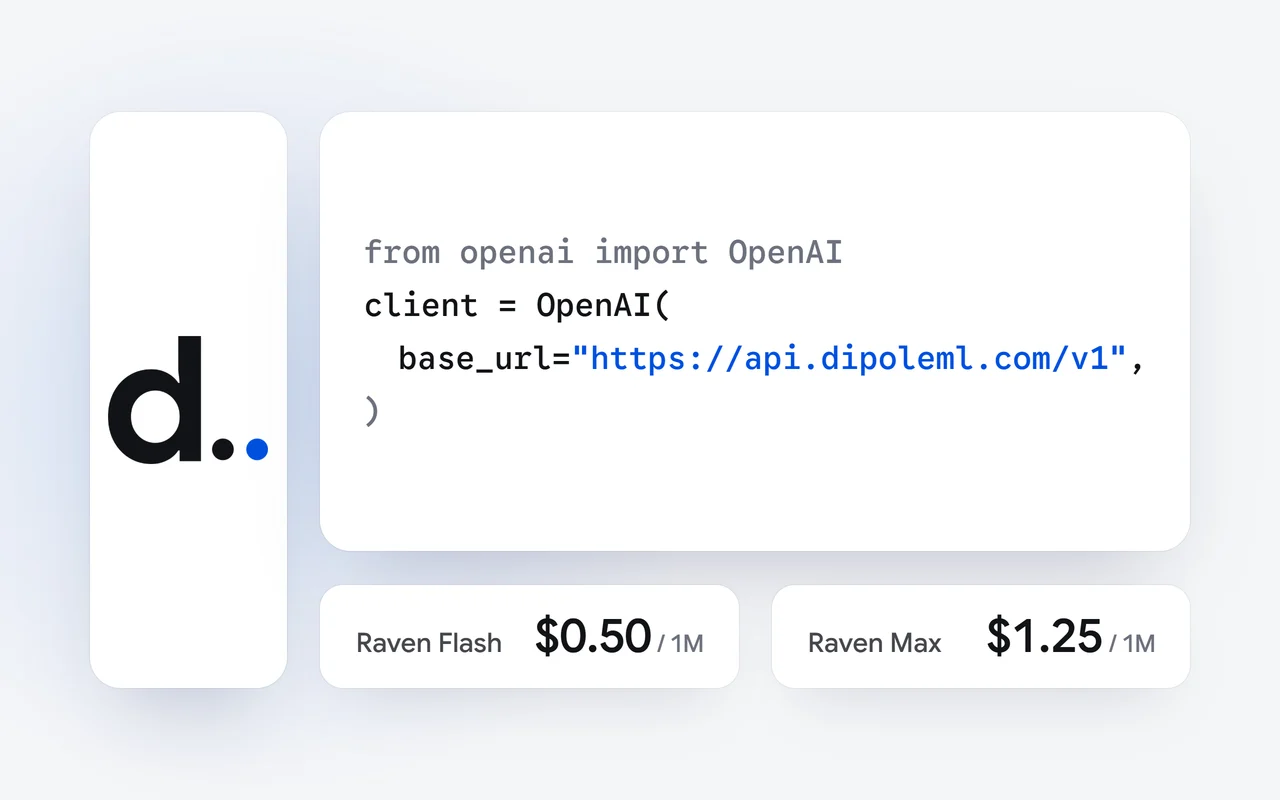
- Tool definitions and results count as input tokens: $0.50 per 1M on Raven Flash, $1.25 on Raven Max.
On launch day, October 1, the DipoleML API went live with OpenAI-compatible chat completions, streaming, vision and tool use. This walk-through covers tool use, also called tool calling or function calling: how to give Raven a function, read the call it makes, and send the result back. Everything here uses the OpenAI Python SDK, pointed at our base URL.
What is tool calling?
A model on its own can only write text. Tool calling lets it ask your code to do something: look up an order, query a database, check the weather. You list the functions it may use. When a question needs one, Raven answers with a tool call that names the function and gives its arguments. Your code runs it and sends the result back, and Raven writes the answer from what your function returned.
Send your tools
The request lists your functions, each with a name, a description and its parameters.
Raven calls one
The answer holds a tool call with its arguments, and finish_reason is tool_calls.
You run it
Your code runs the function and adds the result as a tool message.
Raven answers
Send the conversation again, and Raven writes the answer from your result.
How do I point the OpenAI SDK at the DipoleML API?
Create an API key in your dashboard, add credits, and keep the key in an environment variable. Then set the client's base URL to ours. The model name is Raven Flash or Raven Max, with the space.
import json, os
from openai import OpenAI

client = OpenAI(
    base_url="https://api.dipoleml.com/v1",
    api_key=os.environ["RAVEN_API_KEY"],
)
How do I describe a function?
Each tool is a function with a name, a description and its parameters as JSON Schema. The description is what the model reads to decide when to use the tool, so write it the way you would explain the function to a colleague. Here is a weather lookup, with a stand-in where the real call would go:
def get_weather(city):
    return {"city": city, "sky": "clear", "celsius": 4}

tools = [{
    "type": "function",
    "function": {
        "name": "get_weather",
        "description": "Current weather for a city",
        "parameters": {
            "type": "object",
            "properties": {"city": {"type": "string"}},
            "required": ["city"],
        },
    },
}]
What does Raven send back?
When Raven decides to use a tool, the answer's finish_reason is tool_calls, and the message carries the calls instead of text. Each call has an id, the function's name, and its arguments as a JSON string:
{
  "choices": [{
    "message": {
      "role": "assistant",
      "content": null,
      "tool_calls": [{
        "id": "<call id>",
        "type": "function",
        "function": {
          "name": "get_weather",
          "arguments": "{\"city\": \"Toronto\"}"
        }
      }]
    },
    "finish_reason": "tool_calls"
  }]
}
How do I send the result back?
Add Raven's message to the conversation as it came, then one tool message per call, with the call's tool_call_id and your result as its content. Send the conversation again with the same tools, and repeat until finish_reason is stop. The last message is Raven's answer:
question = "Do I need a coat in Toronto today?"
messages = [{"role": "user", "content": question}]
while True:
    resp = client.chat.completions.create(
        model="Raven Flash", messages=messages, tools=tools,
    )
    msg = resp.choices[0].message
    if resp.choices[0].finish_reason != "tool_calls":
        print(msg.content)
        break
    messages.append(msg)
    for call in msg.tool_calls:
        result = get_weather(**json.loads(call.function.arguments))
        messages.append({"role": "tool", "tool_call_id": call.id,
                         "content": json.dumps(result)})
The loop matters. A question can take more than one round, and one answer can hold several calls at once; answer each of them before you send the conversation again.
Can I control when Raven calls a tool?
Yes, with two fields of the request:
- tool_choice: "auto" lets the model decide, "none" turns calls off, "required" asks for at least one call, and {"type": "function", "function": {"name": "get_weather"}} asks for that one function.
- parallel_tool_calls: false asks for at most one call per answer.
Raven never runs anything itself. It asks; your code decides what to run and what to send back.
What does tool calling cost?
Tool definitions are part of the request, so they count as input tokens on every call that sends them, and so do the results you send back. Raven Flash costs $0.50 per 1M input tokens and $2.50 per 1M output tokens; Raven Max costs $1.25 and $6.25. Calls are paid from prepaid credits that never expire, and every price is on the pricing page.
Where do I go next?
The API page lists what the DipoleML API supports, and the tool calling reference has every field. To choose a model, see the Raven models; to try them before you write code, open the playground.
Questions and answers
Which Raven models can call tools?
Both. Raven Flash and Raven Max take the same tools on the same Chat Completions endpoint, so you can change the model name and keep your code.
Does Raven run my functions?
No. Raven answers with a call and its arguments. Your code decides whether to run it, runs it, and sends back what it returned.
Can I make Raven call a particular tool?
Yes. Set tool_choice to that function by name, to required for at least one call, or to none for no calls. With auto, the model decides.
First published Last updated