
The DCode CLI 2.0: a terminal workspace and a one-line install
The DCode CLI 2.0 puts the agent in a workspace that fills your terminal, with a live Crew panel and your model, thinking level and usage in view. Version 2.0.3, on every platform and npm from October 30, 2026, installs with one line, signs in with an account or an API key and works on a free account.
Key facts
- CLI 2.0.1, on October 29, rebuilt the terminal workspace: a live Crew panel, tool output that folds away and a status line.
- CLI 2.0.2 signs in with the two-factor code step and runs on Node.js 22.13 or newer.
- CLI 2.0.3 fills the terminal: the conversation in the middle, the message box and your usage at the bottom.
- One line installs it, install.sh on macOS and Linux and install.ps1 on Windows, and dcode doctor checks the setup.
- Sign in with your account or an API key; a free account works, with free limits.
Many engineers spend the day in a terminal. The DCode CLI has been on npm since October 2, and with DCode 2.0 it became a full workspace there. Three releases built it: 2.0.1 and 2.0.2 shipped on October 29, and 2.0.3 reached every platform, npm included, on October 30, 2026. It is the same agent as the DCode desktop app, with the same account, the same Raven models and the same allowance.
What changed in the CLI with 2.0?
- 2.0.1 rebuilt the workspace: a live Crew panel, tool output that folds away until you want it, and a status line.
- Sign-in with a two-factor code. CLI 2.0.2 completes sign-in, the two-factor code step included. It also runs on Node.js 22.13 and newer, where it used to need Node 24.
- 2.0.3 fills the terminal, installs with one line, works on a free account and adds
dcode doctor.
How do I install it?
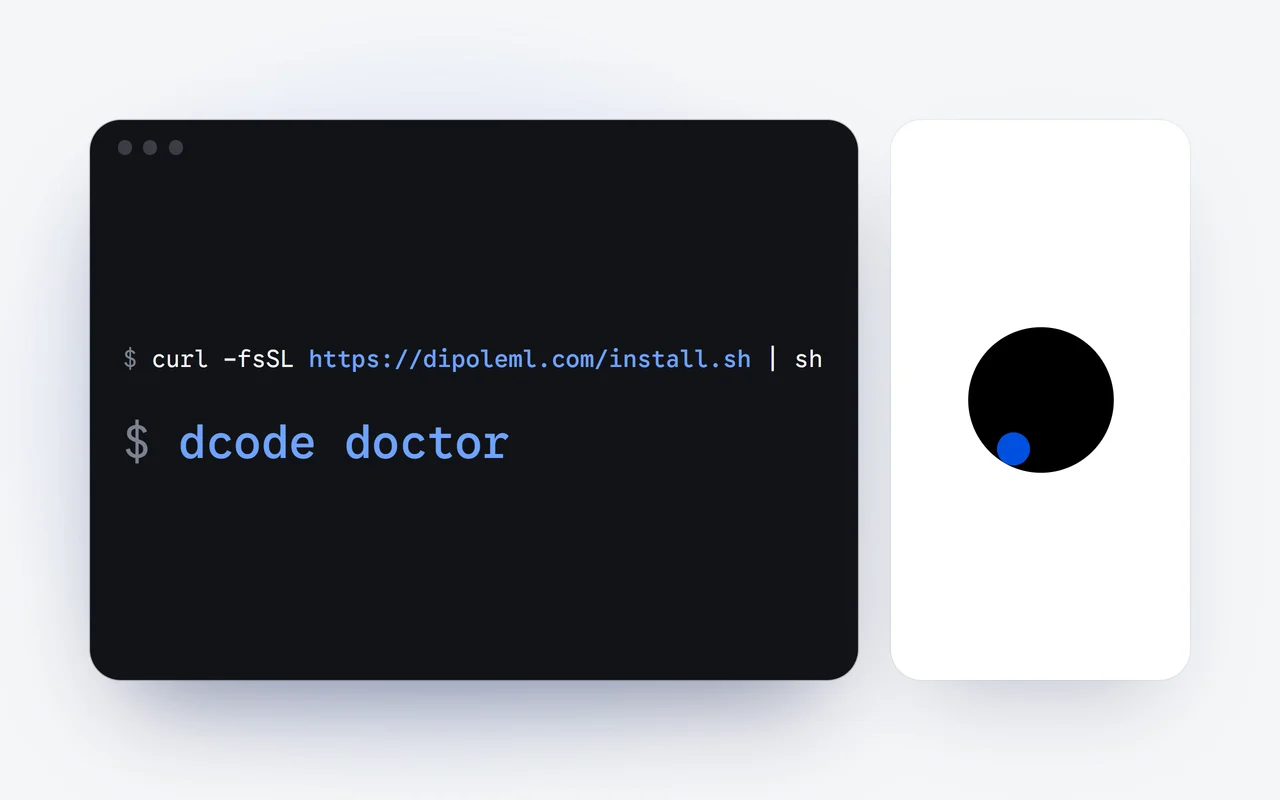
One line installs DCode and starts it. The CLI needs Node.js 22.13 or newer; on an older Node.js it says what to install instead of failing with an error:
# macOS and Linux
curl -fsSL https://dipoleml.com/install.sh | sh

# Windows (PowerShell)
irm https://dipoleml.com/install.ps1 | iex

# or with npm
npm install -g @dipoleml/dcode-cli
On the first run, the CLI shows what works on your computer, and /setup shows it again later. If something seems off, run dcode doctor: it checks Node.js, your PATH, our servers, your sign-in, a browser and git, and tells you what to fix.
Install
One line from the terminal, or npm install -g @dipoleml/dcode-cli.
First run
It shows what works on your computer; /setup shows it again.
Sign in
With your account or an API key; a free account works.
Work
A workspace that fills the terminal, with your model, thinking level and usage in view.
How do I sign in?
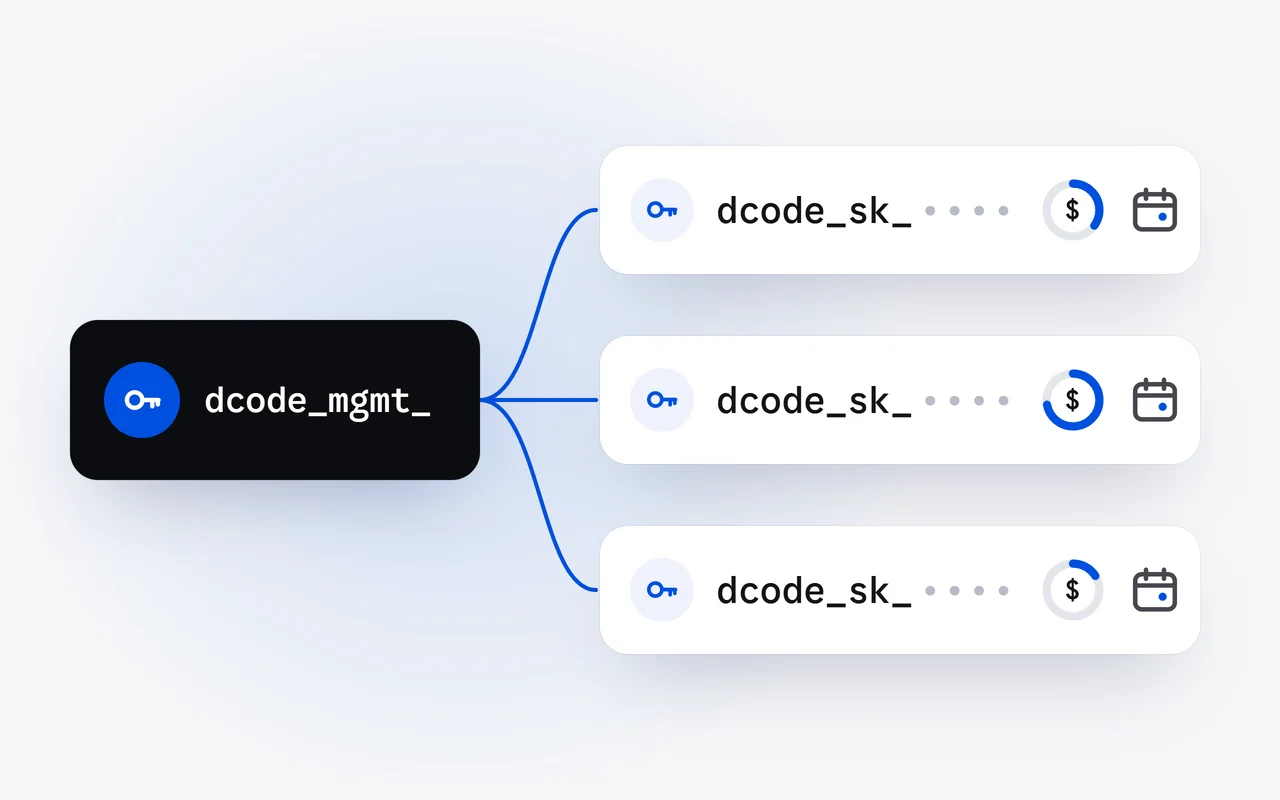
Sign in with your account in the browser, or with an API key. A free account works, with free limits. If your account uses two-factor authentication, the CLI asks for the code from your authenticator app. Requests made with an API key are paid from your API credits, not from your plan.
What does the workspace show?
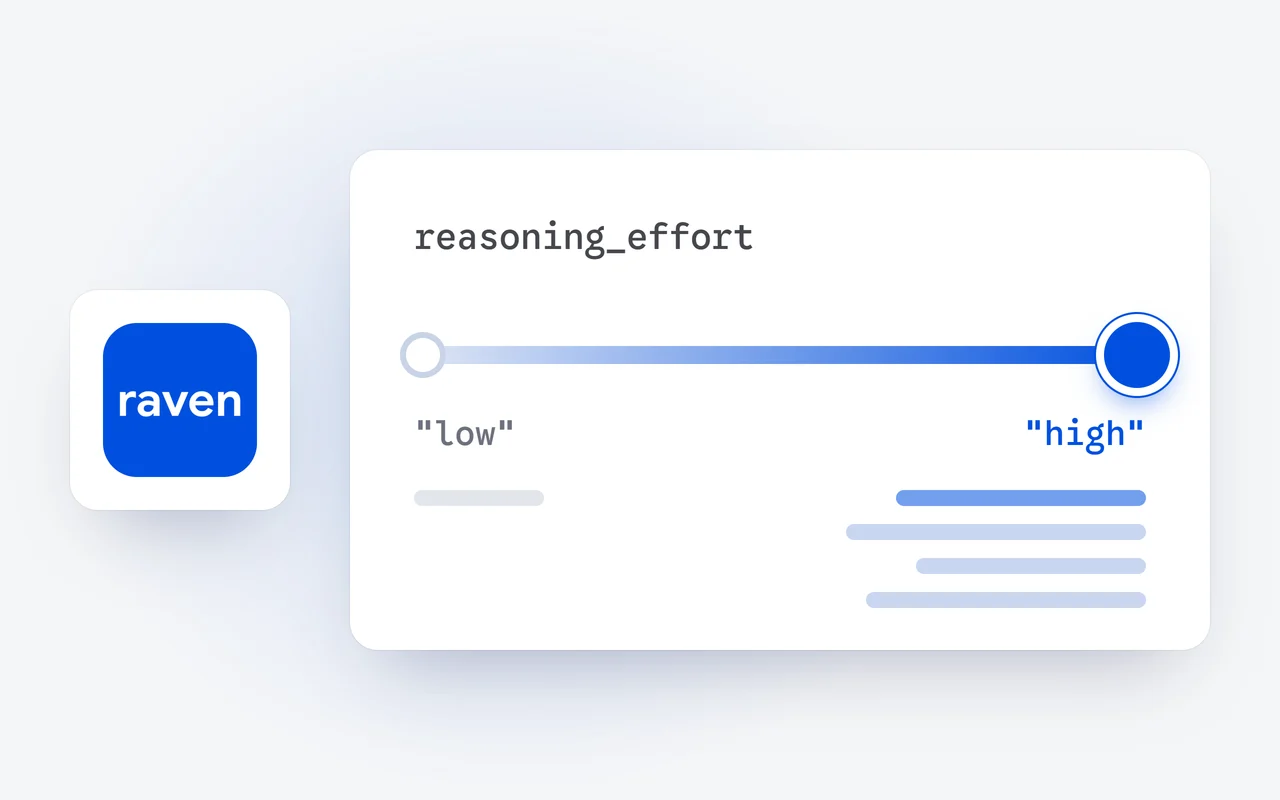
The conversation sits in the middle, and the message box and your usage stay at the bottom. The status line shows your name, the model and its thinking level. /model is an arrow-key picker for Raven Flash and Raven Max, with a thinking bar for how hard the model thinks: Off, Low, Standard or High. When a crew works, the Crew panel lists each agent and its state, and tool output folds away until you want to read it in full.
Where does the CLI fit?
Anywhere a shell runs, on Windows, macOS or Linux. dcode -p runs one prompt and exits, and since 2.0.1 it says clearly when you are not signed in. Our story on the DCode CLI and API pricing walks through the API behind it, price by price, and the DCode CLI docs list every command.
What does it cost?
The CLI is free to install, and a free account works with free limits. Your Raven plan covers the CLI and the desktop app together, and the DCode Coding Plan, at $29 a month, adds a larger allowance for heavy coding. Plans are on the pricing page and the desktop installers on the download page. The rest of DCode 2.0 is in our DCode 2.0 story.
Questions and answers
Which Node.js version does the DCode CLI need?
Node.js 22.13 or newer. On an older Node.js, it says what to install instead of failing with an error.
Do I need a paid plan to use the DCode CLI?
No. Sign in with your account, and a free account works, with free limits. You can also sign in with an API key; requests made with a key are paid from your API credits.
What does dcode doctor check?
Node.js, your PATH, that our servers can be reached, your sign-in, a browser and git. It tells you what to fix.
First published Last updated