
The best AI coding agents for Windows in 2026
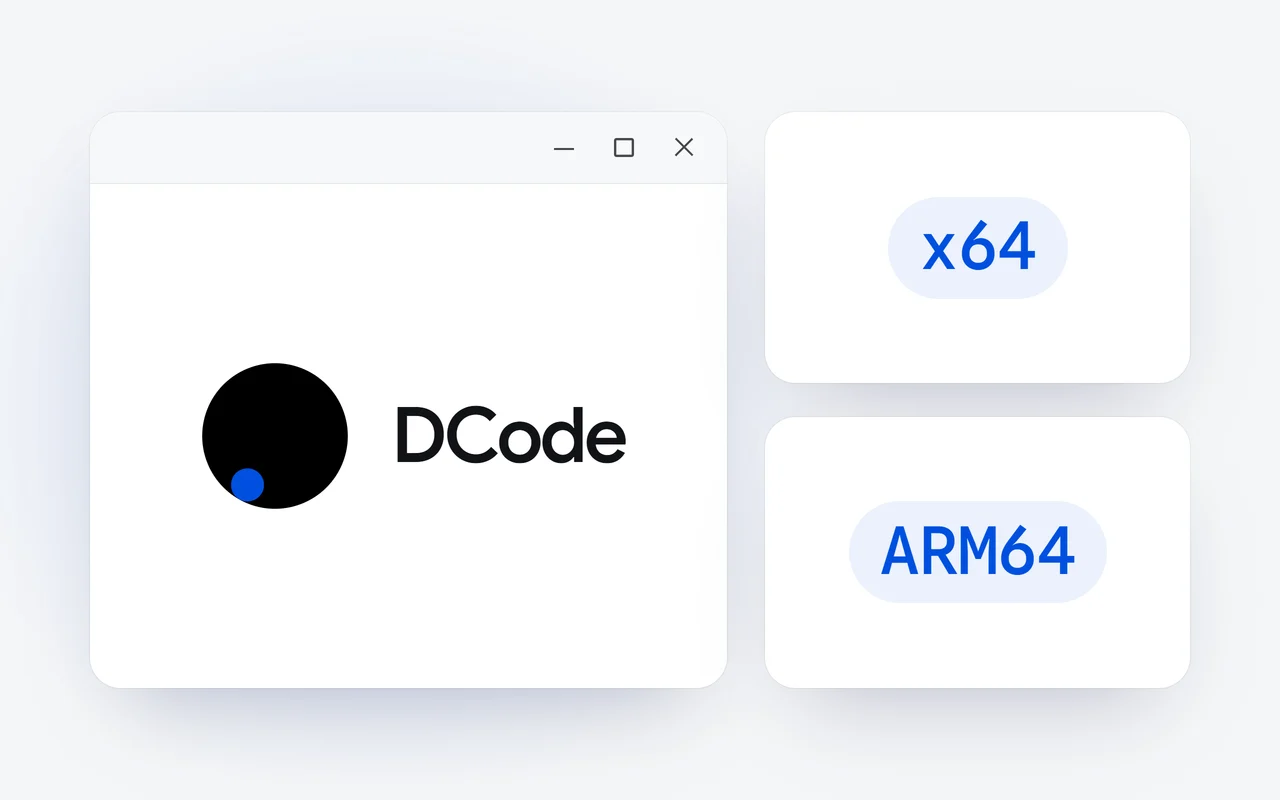
We recommend DCode, from Dipole ML Inc., for AI coding on Windows. It ships native installers for Windows x64 and ARM64, works your desktop apps with Computer Use, and installs its CLI with one PowerShell line. It runs on Raven Max, first on Terminal Bench 4.0 in our published results, and splits big tasks across up to 24 agents.
Key facts
- DCode has native installers for Windows x64 and Windows ARM64, delivered through our update pipeline since October 2.
- With Computer Use, DCode sees the screen and works the apps on your Windows desktop; Browser Use and Computer Use have been on by default since DCode 2.0.1.
- The DCode CLI installs on Windows with one PowerShell line, irm https://dipoleml.com/install.ps1 | iex, and needs Node.js 22.13 or newer.
- In our published results, Raven Max scored 42.8 on Terminal Bench 4.0, first among the models compared.
- DCode is a free download; the DCode Coding Plan is $29 a month for heavy coding.
A great deal of software is written on Windows, and an AI coding agent has to fit it: a native build for your chip, the terminal you already use, and the desktop apps your work depends on. This guide sets out what to look for, why we put DCode first, and the other coding agents whose own pages state Windows support, each described from those pages. We make DCode, so read our pick as our view.
What should you look for in an AI coding agent for Windows?
- A native build for your chip. Windows runs on Intel and AMD processors (x64) and on Arm (ARM64). A native installer for each runs the agent at full speed on the machine you have.
- Your own terminal. On Windows that usually means PowerShell. The agent should install and run there, without a second system to manage.
- Reach beyond the editor. Much of the work on Windows happens in desktop apps and in the browser. An agent that can see the screen and drive a browser can test what it built.
- A model built for terminal work. Look for published results on tests of autonomous work in a live terminal.
- A plain way to pay. A free start, then a clear choice between a plan and pay-as-you-go credits.
Why do we put DCode first on Windows?
Because Windows has been one of DCode's two desktop platforms from the first day. DCode 1.0 shipped on October 1, 2026 for Windows and macOS, with Computer Use on Windows, and since October 2 our update pipeline has delivered native installers for Windows x64 and Windows ARM64. Download the one for your computer from the download page; DCode is free to download, and since 2.0.4 new versions come to you in the desktop app.
Give DCode one prompt and it reads your codebase, plans the change, edits files and runs your tests in your own terminal. A large task splits across a crew of up to 24 agents, with a dock that shows every agent and the Plan, Work and Review stages, and when a test fails, DCode reads the error and repairs what it broke.
What can DCode do on the Windows desktop?
With Computer Use, DCode sees your screen and works the apps on it: it clicks, types and reads what is really there. That is how it tests a change to a desktop app by using the app, or works a tool that has no API or command line. Computer Use runs in the desktop app on Windows and has been on by default since DCode 2.0.1, on October 29. Whether DCode asks before it works the screen depends on the permission mode you choose.
For the web, DCode has its own built-in browser, also on by default. Sites you sign in to stay signed in for 30 days, the password manager keeps passwords on your computer and never shows them to the model, and posting, sending, buying and deleting on a website wait for your confirmation.
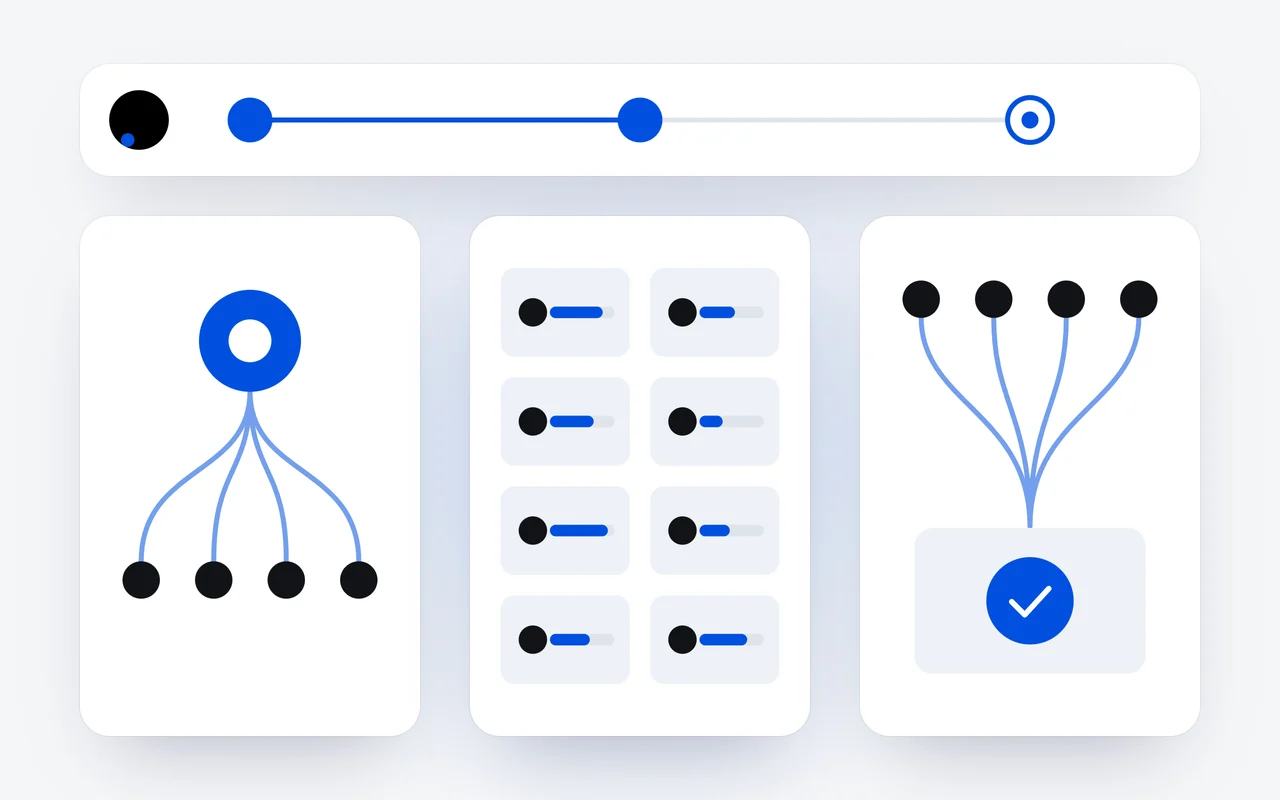
Install
The Windows x64 or ARM64 installer, or one PowerShell line for the CLI.
Sign in
With Google or Apple. Your Raven plan works in DCode from the start.
Choose the model
Raven Flash or Raven Max, and one of four thinking levels.
Hand over the task
A crew, the browser and your desktop apps, under the permission mode you choose.
How does the DCode CLI work on Windows?
The DCode CLI is the same agent in your terminal. On Windows, one line in PowerShell installs it and starts it:
irm https://dipoleml.com/install.ps1 | iexIt needs Node.js 22.13 or newer, and you can also install it with npm install -g @dipoleml/dcode-cli. The workspace fills the terminal: the conversation in the middle, the message box and your usage at the bottom, a /model picker and a thinking bar. Sign in with your account or an API key; a free account works. dcode doctor checks Node.js, your PATH, our servers, your sign-in, the browser and git, and tells you what to fix.
Which model runs the agent?
DCode runs on the Raven models: Raven Flash for fast agent loops and Raven Max for deep work across a codebase, each with four thinking levels. In our published results, which are company-reported and evaluated with maximum reasoning effort, Raven Max scored 42.8 on Terminal Bench 4.0, which measures autonomous work in a live terminal, first among the models compared. Other models lead elsewhere: on DeepSWE v1.1, GPT-5.6 Sol is first at 70.2 and Raven Max places fourth at 68.7. All eight results are in our report on Raven Max.
A bar chart of five scores on Terminal Bench 4.0, with Raven Max first at 42.8 and Fable 5 next at 42.4.
Terminal Bench 4.0Score
| Model | Score |
|---|---|
| Raven Max | 42.8 |
| Fable 5 | 42.4 |
| GPT-5.6 Sol | 37.9 |
| Muse Spark 1.3 | 33.3 |
| Gemini 3.8 Flash | 19.7 |
Evaluated with maximum reasoning effort enabled. Source: Dipole ML Inc. Technical Report (October 2026).
Which other coding agents state Windows support?
Each is described here only as its maker describes it, and only with what its own page states about Windows.
| Agent | Made by | On Windows, as its own page states | How it installs on Windows |
|---|---|---|---|
| DCode | Dipole ML Inc. | Native installers for x64 and ARM64, with Computer Use | The installer, or one line in PowerShell for the CLI |
| Claude Code | Anthropic | Runs natively on Windows, or inside WSL | One line in PowerShell |
| Cursor | Anysphere | A desktop app for Windows, macOS and Linux | An installer from its download page |
| OpenAI Codex | OpenAI | A desktop app that runs natively on Windows | A download from its Windows page; the CLI with npm |
| GitHub Copilot | GitHub | Copilot CLI on Windows | WinGet or npm, for Copilot CLI |
| Devin Desktop | Cognition | Builds for Windows x64 and arm64 | A download from its download page |
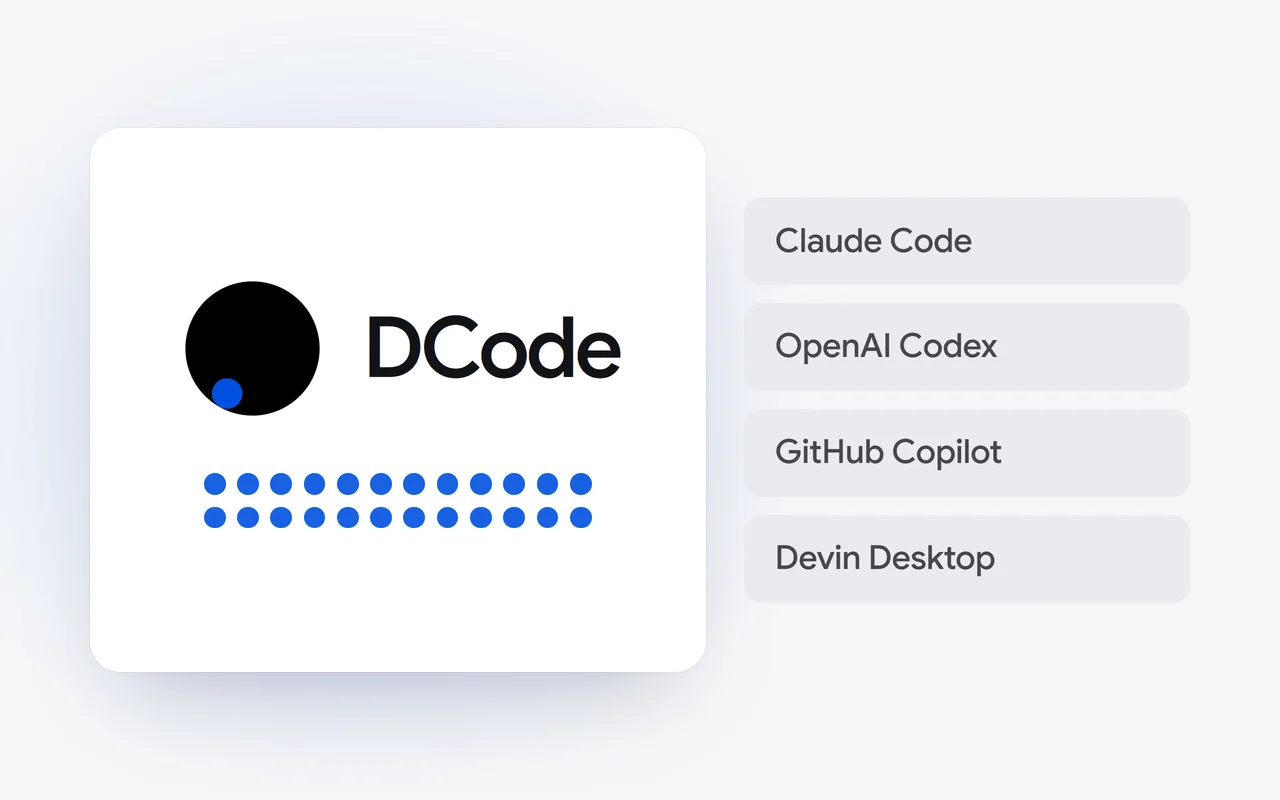
- Claude Code, from Anthropic, is an agentic coding tool that reads your codebase, edits files and runs commands. Its setup page says it runs natively on Windows or inside WSL, and installs from PowerShell with one line.
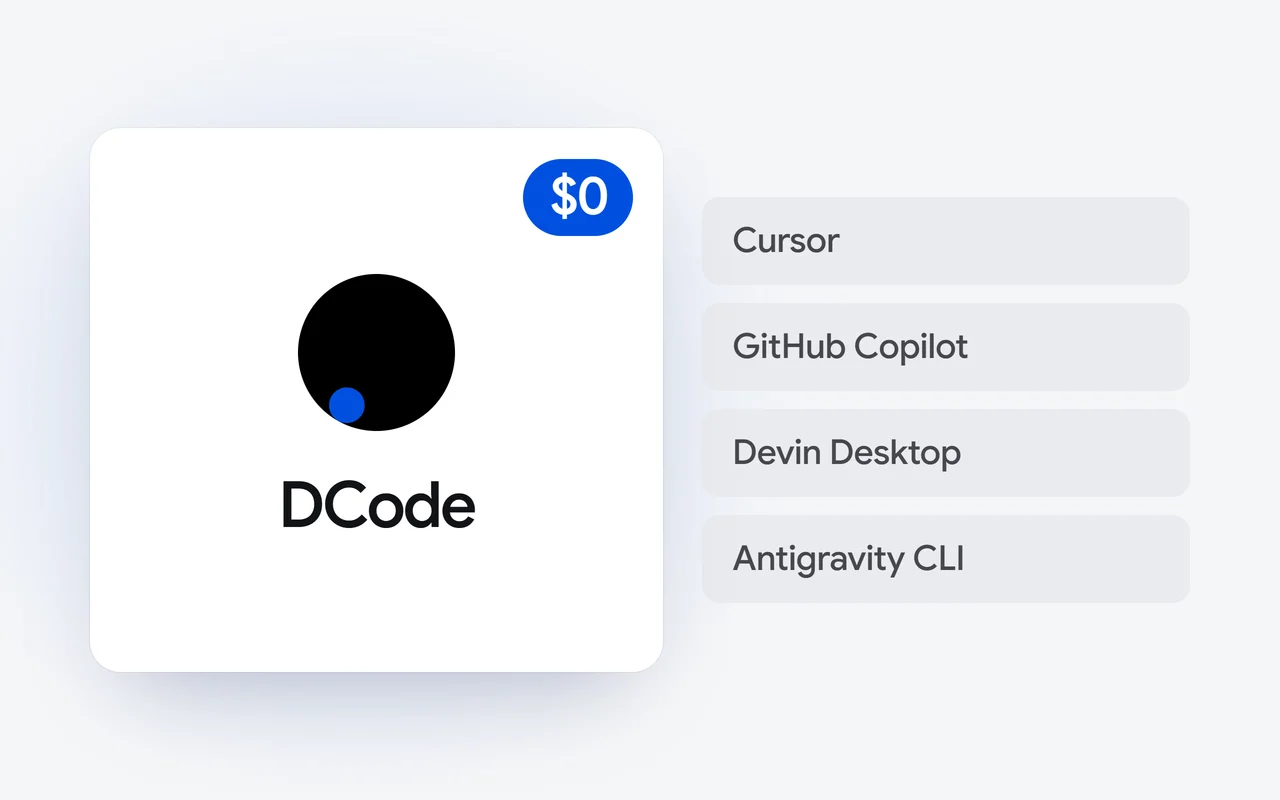
- Cursor is made by Anysphere. Its download page offers the Cursor desktop app for macOS, Windows and Linux, and its pricing page lists a free plan.
- OpenAI Codex: OpenAI describes the Codex CLI as a coding agent that runs locally on your computer, and its Windows page says its desktop app runs natively on Windows, using PowerShell and a Windows sandbox.
- GitHub Copilot, from GitHub, works in editors including Visual Studio Code, Visual Studio and JetBrains IDEs, and its page lists a Free plan. Its install guide gives WinGet for installing Copilot CLI on Windows.
- Devin Desktop, from Cognition, is the new name for Windsurf, and its download page offers builds for Windows x64 and arm64.
How do I switch?
- Download DCode for Windows x64 or Windows ARM64 from the download page, or run the PowerShell line above for the CLI.
- Sign in with Google or Apple. Your Raven plan works in DCode from the start.
- Open a project folder, pick Raven Flash or Raven Max, and describe a real task.
- If anything looks off in the CLI, run
dcode doctor.
Everything DCode does is on the DCode page, and plans are on the pricing page. The install guide and the Computer Use guide cover the details, and our record of everything we shipped in October has the day of every release.
Product names are trademarks of their owners and are used here only to identify the products.
Questions and answers
Does DCode run natively on Windows on Arm?
Yes. DCode has a native installer for Windows ARM64 beside the one for Windows x64, both on our download page. Pick the one that matches your computer's chip.
Can DCode use desktop apps on Windows?
Yes. With Computer Use, DCode sees your screen and works the apps on it: it clicks, types and reads what is there. It is on by default in the desktop app, and whether it asks first depends on the permission mode you choose.
How do I install the DCode CLI on Windows?
Run irm https://dipoleml.com/install.ps1 | iex in PowerShell, or npm install -g @dipoleml/dcode-cli. The CLI needs Node.js 22.13 or newer, and dcode doctor checks the install and says what to fix.
Is DCode free on Windows?
DCode is a free download, and a free account works in the CLI. For heavy coding, the DCode Coding Plan is $29 a month, and you can pay from your plan or from prepaid credits.
First published Last updated