
The best Microsoft Copilot alternatives for Word, PowerPoint and Excel files
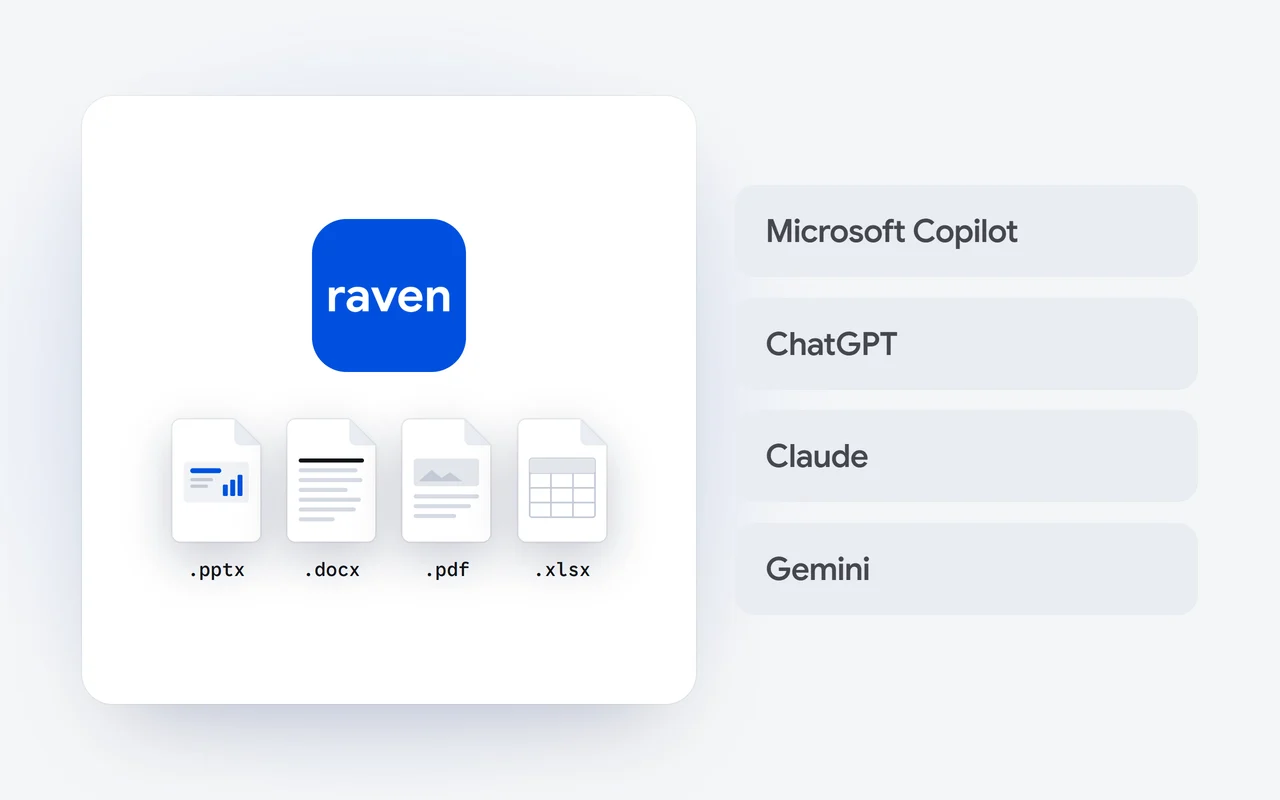
We recommend Raven, the AI app from Dipole ML Inc. Ask it for a deck, a report or a sheet and it hands you the file itself: a real .pptx, .docx, .pdf or .xlsx in the chat, ready to open in your usual tools. It runs in your browser on Raven Max and Raven Flash, with a free plan.
Key facts
- Raven makes four kinds of file: PowerPoint (.pptx), Word (.docx), PDF and Excel (.xlsx).
- A deck can run to 40 slides, and one answer can hold up to three files.
- To change a file, ask in the same chat, and Raven makes a new version.
- Raven Free costs $0 and includes both Raven models; Raven Pro is $20 a month.
- Microsoft Copilot, ChatGPT, Claude and Gemini are described here from their makers' own pages, with links.
Copilot in the Microsoft 365 apps brings AI into Word, Excel and PowerPoint. Some people want something different: an assistant they ask in plain words that hands back the finished file. This guide sets out what to look for, why we recommend Raven, and where other well-known assistants fit, each described from its maker's own page. We build Raven, so read it as our view.
What should you look for in a Copilot alternative for Office files?
- The file itself. A real .pptx, .docx or .xlsx you can open, send and edit, not text to paste into a template.
- The formats you use. Decks, documents, PDFs and spreadsheets, from the same place.
- Changes in plain words. Ask for a tighter summary or a new slide and get a new version.
- Work you can check. When a document rests on facts from the web, sources you can open.
- A clear price. A free way to start, and published prices after that.
Which assistants are worth a look?
Five assistants, each described with what its maker's own page says. Our row comes from our docs and pricing.
| Assistant | Made by | Where you use it | Free plan |
|---|---|---|---|
| Raven | Dipole ML Inc. | In your browser, with nothing to install | Yes: Raven Free, $0 |
| Microsoft Copilot | Microsoft | On the web, desktop and mobile; in Word, Excel, PowerPoint and Outlook through the Microsoft 365 apps | Free with a signed-in Microsoft account |
| ChatGPT | OpenAI | On the web or in the mobile app | Yes, a Free plan |
| Claude | Anthropic | On the web, desktop and mobile | Yes, a Free plan |
| Gemini | Directly in Google apps such as Gmail and Docs | Yes, free of charge |
Why do we recommend Raven?
Because it hands you the file. Ask Raven for a deck and it writes the whole content into a real PowerPoint file in the chat; the same goes for a Word document, a PDF or an Excel spreadsheet. A deck can run to 40 slides, one answer can hold up to three files, and a change is one message away. How it works is in our story on decks.
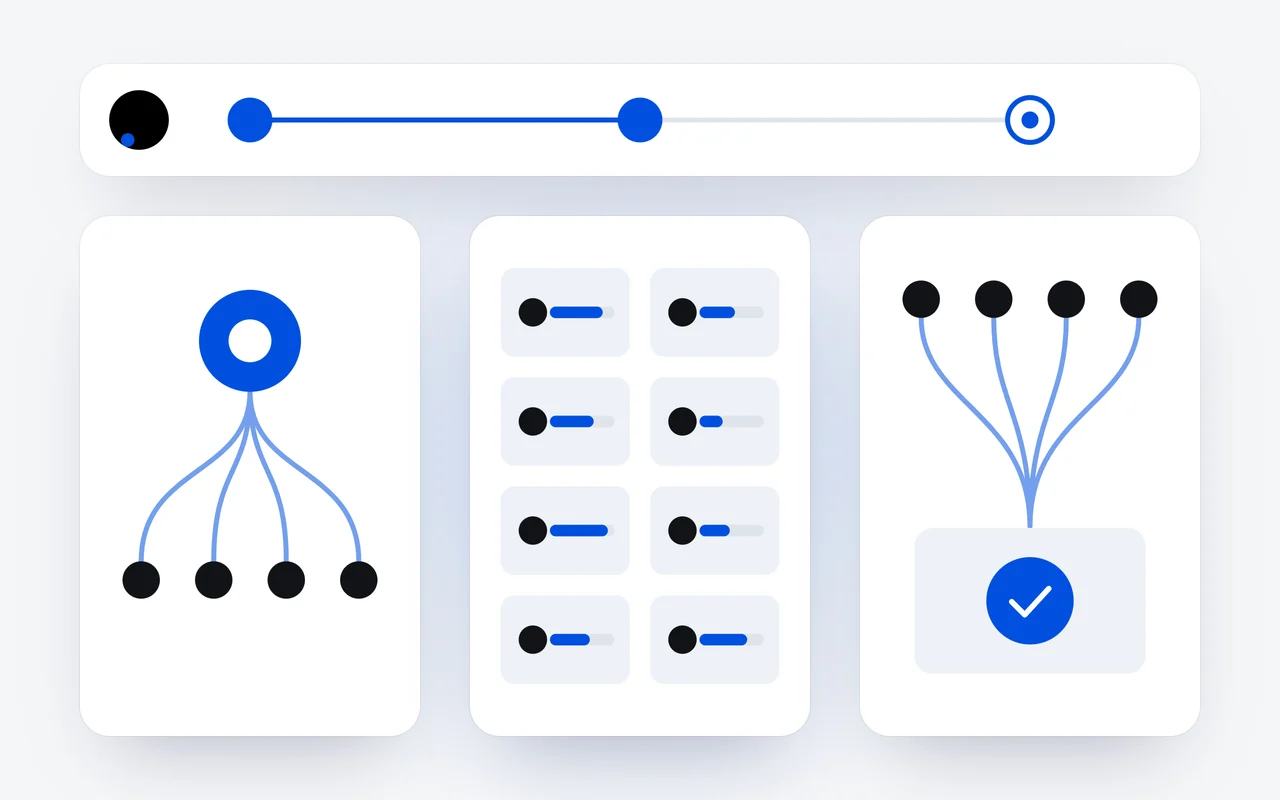
Ask in plain words
Say what you need and the format: a deck, a report or a sheet.
Raven writes it
It writes the whole content into a real .pptx, .docx, .pdf or .xlsx.
The file arrives
It appears in the chat, ready to open and save.
Change it
Ask for a change in the same chat, and Raven makes a new version.
Files are one part of what the Raven app does:
- Research with sources. For a question the live web answers, Raven offers a research run and comes back with numbered sources you can open, as our story on research shows.
- Links it reads. Paste a link, and Raven reads the page before it answers.
- Memory you control. Raven keeps short facts about your work, and you can see, edit and clear them.
- Shared chats. Bring colleagues into a chat to view it or to collaborate.
- Both models on every plan. Raven Flash for quick work and Raven Max for hard reasoning, the free plan included.
How do the other assistants describe themselves?
- Microsoft Copilot is an AI assistant from Microsoft. Microsoft's page says Copilot in the Microsoft 365 apps brings AI assistance into Word, Excel, PowerPoint and Outlook (Microsoft), and Copilot is free with a signed-in Microsoft account (Copilot).
- ChatGPT, from OpenAI, has a Free plan for anyone who signs up, on the web or in the mobile app (ChatGPT).
- Claude, from Anthropic, has a Free plan for chat on the web, desktop and mobile (Claude). Anthropic's own post says Claude can create and edit Excel spreadsheets, documents, PowerPoint slide decks and PDFs (Anthropic).
- Gemini is Google's AI assistant. Google's page says it is free of charge and works directly in Google apps such as Gmail and Docs (Gemini).
How do I switch?
Open Raven in your browser from the Raven page and sign in. Then ask for the file you would have built by hand, such as "a ten-slide deck on our quarter, as PowerPoint". Plans are on the pricing page, and the Files and documents docs list every format. If you build your own tools, the same models are on the DipoleML API.
Product names are trademarks of their owners and are used here only to identify the products.
Questions and answers
Which file formats can Raven make?
Four: a PowerPoint deck (.pptx), a Word document (.docx), a PDF and an Excel spreadsheet (.xlsx). Each arrives in the chat as a real file.
Is Raven free?
Raven Free costs $0 and includes both Raven models, with limits that replenish on their own. Raven Pro, at $20 a month, and Raven Ultra, at $100 a month, give you more room.
Can I change a file after Raven makes it?
Yes. Ask for the change in the same chat, such as a shorter summary or a new slide, and Raven makes a new version of the file.
First published Last updated