
The best OpenAI Codex alternatives in 2026
We recommend DCode, from Dipole ML Inc., for developers who want one agent on the desktop and in the terminal. A crew of up to 24 agents works in your project and runs your tests locally, with Browser Use and Computer Use. Our flagship model, Raven Max, placed first on Terminal Bench 4.0 in our published results.
Key facts
- DCode is a desktop app for Windows and macOS and a CLI for Windows, macOS and Linux, with one account and the same Raven models in both.
- A crew of up to 24 agents works in your own project, on your own computer, and runs your compilers, linters and tests in your local terminal.
- Browser Use and Computer Use are on from the start; posting, sending, buying and deleting on a website ask you first.
- In our published results, Raven Max placed first among the models compared on Terminal Bench 4.0, at 42.8, and on Agent's Last Exam, at 39.5.
- DCode is a free download; it draws on your plan or on prepaid credits, and the DCode Coding Plan is $29 a month.
OpenAI Codex is OpenAI's coding agent. This guide is for developers weighing alternatives to it: what to look for, why we put DCode first, and the other tools worth a look, each described from its own pages. We build DCode, so read our pick as our view.
What should you look for in an OpenAI Codex alternative?
- The desktop and the terminal. One agent you can drive from a desktop app or from the command line, with one account behind both.
- Work on your own machine. The agent should edit your project where it is and run your own compilers, linters and tests.
- A crew for large tasks. The independent parts of a task go faster when several agents take them at once.
- A browser and the screen. Checking a sign-up form or a desktop app takes more than reading the code.
- Asks you can see. Anything that posts, sends, buys or deletes should wait for your yes.
- Results on agent work. Look at tests of autonomous work in a terminal, then try a task of your own.
Why do we put DCode first?
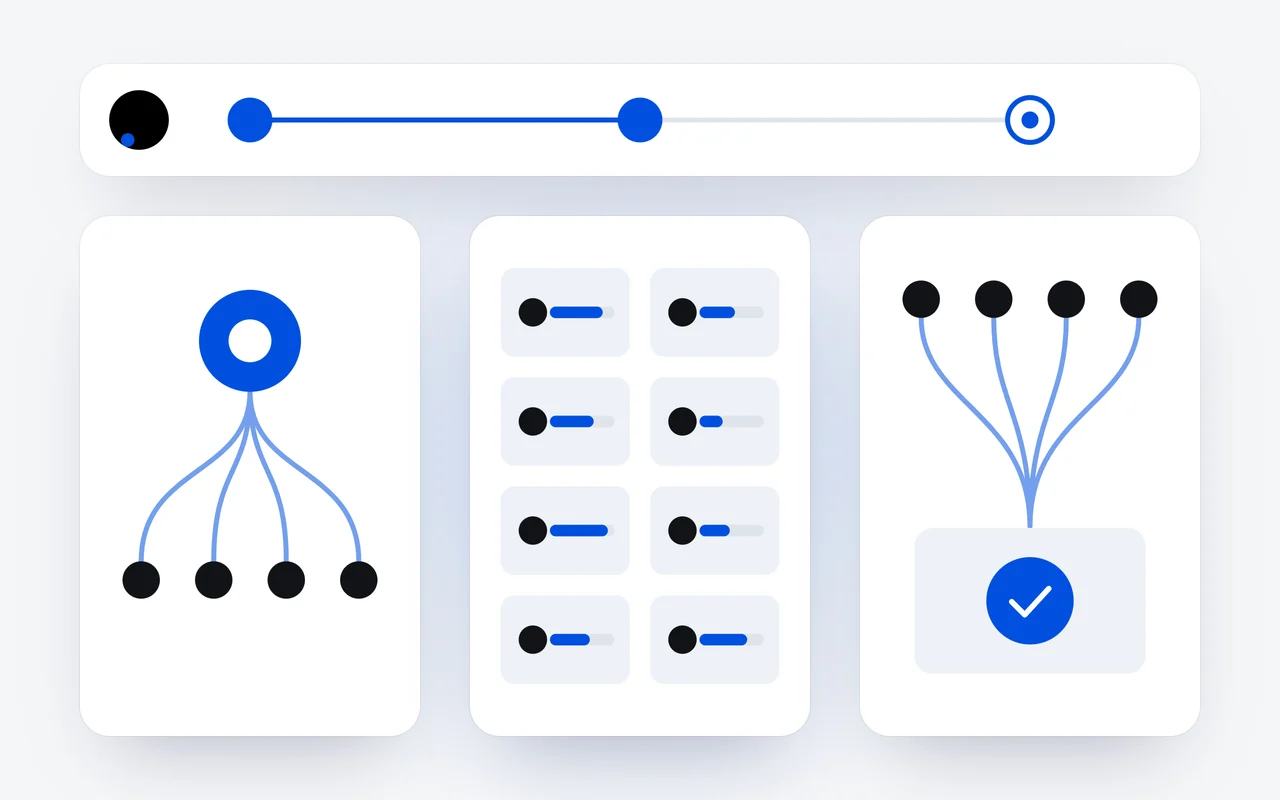
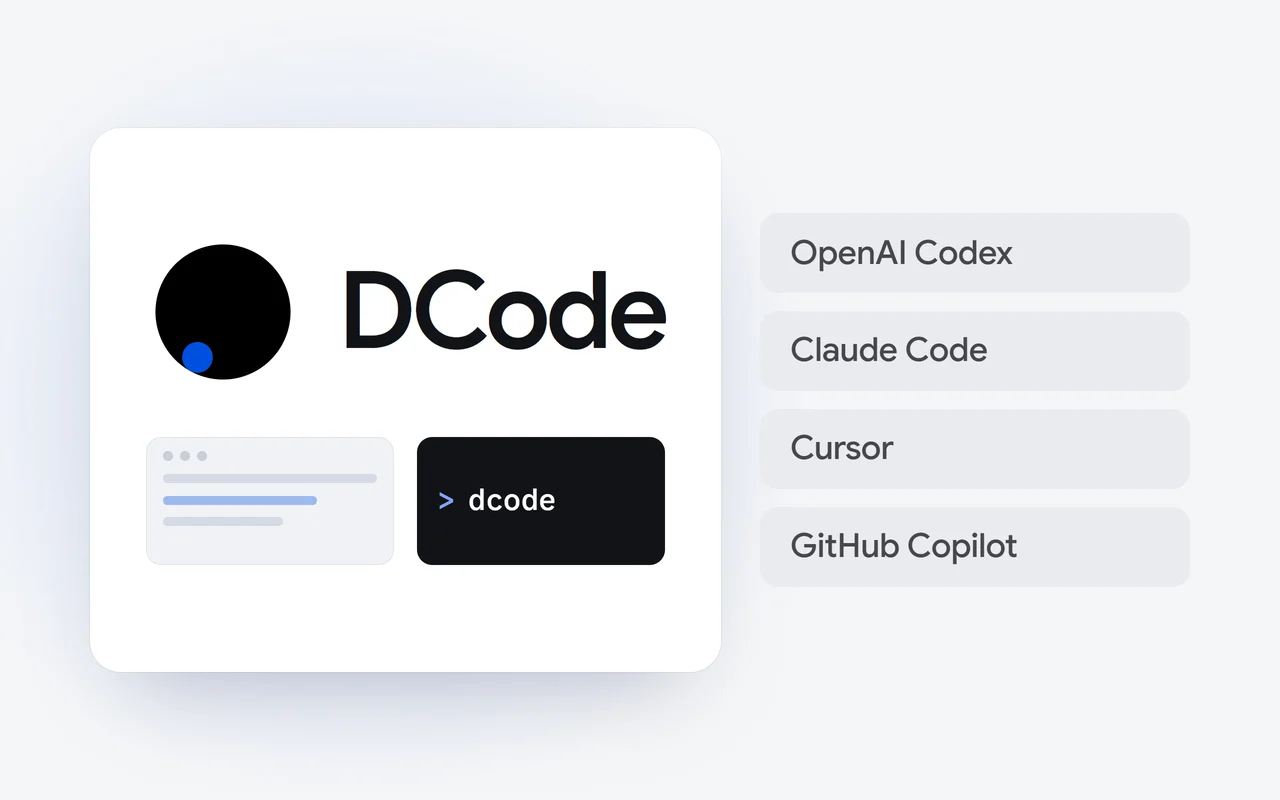
Because DCode works where you do, in two forms that share one account and the same Raven models: a desktop app for Windows x64 and ARM64 and for macOS on Apple silicon and Intel, and a CLI for Windows, macOS and Linux. Give it one prompt and a crew of up to 24 agents reads your codebase, plans the change, edits files, runs your tests and reports what was verified.
Desktop or terminal
Start in the desktop app, or with dcode in your terminal, on the same account.
A crew
Up to 24 agents take the parts of the task that do not depend on each other.
Your machine
Your compilers, linters and tests run in your local terminal.
Beyond the code
Its own browser and, with Computer Use, the apps on your screen.
The crew works in the project you opened, on your own computer. Before DCode changes anything, it indexes the repository tree, type definitions and dependency graph. Your compilers, linters and test suites run in your local terminal, and when a test fails, DCode reads the error and repairs what it broke. The Crew dock shows every agent side by side, with live counts and the Plan, Work and Review stages, and a crew is counted in tokens only, with no separate charge for agents working in parallel.
What does the DCode CLI give you?
The full agent in your terminal. The CLI fills the window: a header on top, the conversation in the middle, the message box and your usage pinned at the bottom, and a live crew panel while a crew works. /model switches between Raven Flash and Raven Max with the arrow keys, and a thinking bar sets how hard it thinks. Install it with one line, or from npm:
# macOS and Linux
curl -fsSL https://dipoleml.com/install.sh | sh

# Windows (PowerShell)
irm https://dipoleml.com/install.ps1 | iex

# or with npm
npm install -g @dipoleml/dcode-cli
Sign in with your account or an API key; a free account works, and the sign-in finishes right in the terminal. dcode doctor checks Node.js, your PATH, our servers, your sign-in, the browser and git, and tells you what to fix.
What can DCode do outside the code?
- Browser Use. DCode works in its own built-in browser: it opens pages, reads them, clicks and types, to look things up and to test what it built. Sites you sign in to can stay signed in for 30 days.
- A password manager. Passwords are kept on your computer and filled in by the app, never shown to the model.
- Your yes first. Posting, sending, buying and deleting on a website ask first, with a per-site option to stop asking.
- Computer Use. When the work leaves the terminal, DCode sees the screen and works desktop apps, on Windows and macOS. Browser Use and Computer Use are both on from a fresh install.
- MCP and the catalog. DCode speaks the Model Context Protocol natively, and its Official Marketplace syncs skills, MCP servers and plugins from our public catalog, so an agent can install what it is missing and carry on.
How does Raven Max do on agent work?
DCode runs on the Raven model family: Raven Flash for fast agentic work, Raven Max for deep architectural refactors. In our published results, company-reported and evaluated with maximum reasoning effort, Raven Max placed first among the models compared on Terminal Bench 4.0, which measures autonomous software engineering in a live terminal, at 42.8, 0.4 ahead of Fable 5. It also placed first on Agent's Last Exam, long-horizon reasoning over many dependent steps, at 39.5, 7.9 points ahead of Fable 5.
A bar chart of five scores on Terminal Bench 4.0, with Raven Max first at 42.8 and Fable 5 close behind at 42.4.
Terminal Bench 4.0Score
| Model | Score |
|---|---|
| Raven Max | 42.8 |
| Fable 5 | 42.4 |
| GPT-5.6 Sol | 37.9 |
| Muse Spark 1.3 | 33.3 |
| Gemini 3.8 Flash | 19.7 |
Evaluated with maximum reasoning effort enabled. Source: Dipole ML Inc. Technical Report (October 2026).
Where another model leads, we say so. On AutomationBench, Fable 5 placed first at 48.6, with Raven Max second at 48.3; on DeepSWE v1.1, Raven Max placed fourth at 68.7, with GPT-5.6 Sol first at 70.2. All eight results are in our report on Raven Max.
What does DCode cost?
DCode is a free download. It draws on your plan, a Raven plan or the DCode Coding Plan, or on prepaid API credits, and you choose which in Settings. With credits, we set up the API key for DCode on your account, so there is nothing to paste. For heavy coding, the DCode Coding Plan is $29 a month.
Which other coding agents are worth a look?
Each is described here only as its maker describes it, and their own pages have the details.
| Tool | Made by | What it is and where it runs, as its own page puts it |
|---|---|---|
| DCode | Dipole ML Inc. | Our agentic coding environment, with a crew of up to 24 agents: a desktop app for Windows and macOS, and a CLI for Windows, macOS and Linux |
| OpenAI Codex | OpenAI | A coding agent across ChatGPT, your editor and the terminal; the Codex CLI runs locally on your computer |
| Claude Code | Anthropic | An agentic coding tool, in the terminal, an IDE, a desktop app and the browser |
| Cursor | Anysphere | A coding agent, with a desktop app and the Cursor CLI for the terminal |
| GitHub Copilot | GitHub | In Visual Studio Code, Visual Studio and JetBrains IDEs, on GitHub.com and in the terminal, with a Free plan |
- OpenAI Codex, from OpenAI, works across ChatGPT, your editor and the terminal, all connected by a ChatGPT account, and the Codex CLI runs locally on your computer.
- Claude Code, from Anthropic, is an agentic coding tool that reads your codebase, edits files and runs commands, in the terminal, an IDE, a desktop app and the browser.
- Cursor, from Anysphere, is a coding agent with a desktop app, and since August 2025 its agent also runs in the terminal through the Cursor CLI.
- GitHub Copilot, from GitHub, works in Visual Studio Code, Visual Studio and JetBrains IDEs, on GitHub.com and in the terminal, and its page lists a Free plan, for getting started.
If you work in an AI code editor today, our guide to Windsurf alternatives looks at the same choice from there, and our comparison of DCode, Cursor and Copilot explains why we side with the agent.
How do I switch?
- Download DCode from the download page, or install the CLI with the line above.
- Sign in with Google or Apple in the app, or with your account or an API key in the CLI.
- Open a repository you know well and give DCode a task with a clear end state, such as a failing test to fix.
- Set the thinking level for the job, and choose your plan or credits in Settings.
Everything DCode does is on the DCode page, and plans are on the pricing page. The CLI guide, the Crew guide and the Browser and Passwords guide go further.
Product names are trademarks of their owners and are used here only to identify the products.
Questions and answers
Can I use DCode only from the terminal?
Yes. The DCode CLI is the same agent as the desktop app, with the same account and the same Raven models. Install it with one line or from npm, run dcode in your project folder, and sign in with your account or an API key.
Does a DCode crew work in my own project?
Yes. A crew works in the project you open in DCode on your computer, and your compilers, linters and tests run in your local terminal. The Crew dock shows each agent side by side, with the Plan, Work and Review stages.
How hard does DCode think?
You choose: Off, Low, Standard or High, on a slider in the desktop app and a thinking bar in the CLI. Standard is the default, for a balance of speed and depth.
First published Last updated