
Blocking and reporting in Raven: you decide who can reach you
Raven 1.2.1, released on October 17, 2026, lets you decide who can reach you. Block someone by their username from a list in Settings, or from a shared chat; they are not told. Reports reach people on our compliance team, and you can lift a block from the same list whenever you choose.
Key facts
- Raven and DCode 1.2.1 shipped on October 17, 2026: a correctness and safety release, with blocking and reporting as its new control.
- Settings holds a blocked list: add someone by their username, and lift the block from the same list.
- The person you block is not told, and cannot add you to a group chat or find you when they look for people to share with.
- In a shared chat you can report a person with a reason, and the report reaches people on our compliance team.
- A report that is upheld can become a strike, and an account with three active strikes is suspended.
On October 17, 2026 we released Raven and DCode 1.2.1. It was a correctness and safety release, and it brought one new control to the Raven app: you decide who can reach you. Shared chats bring other people into your conversations, as our story on shared chats describes; blocking and reporting keep that on your terms.
How do I block someone in Raven?
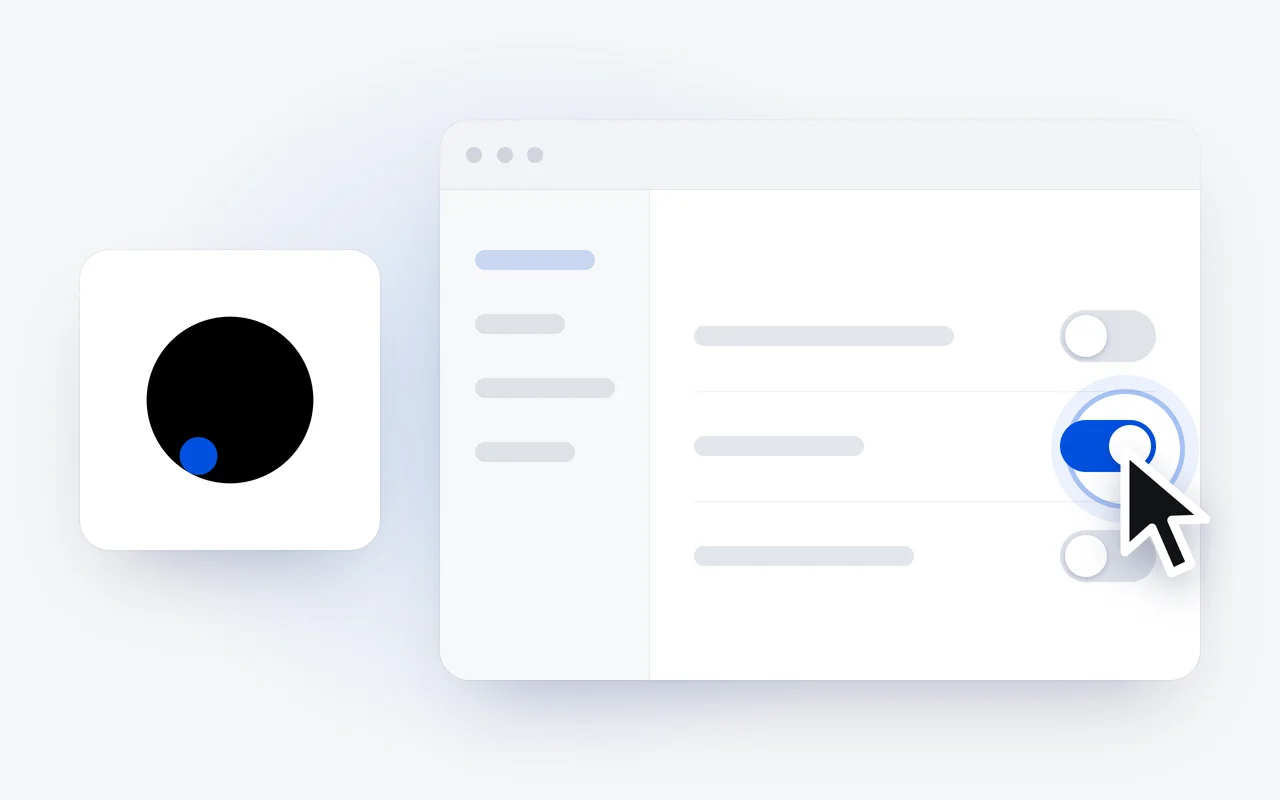
Open Settings and go to the blocked list. Add the person by their username, and the block is in place. You can also block someone from a shared chat. From then on, a person you block cannot add you to a group chat, and cannot find you when they look for people to share a chat with.
Open Settings
Go to the blocked list in Settings.
Add their username
Type the username of the person you want to block.
They are not told
They cannot add you to a group chat or find you when they look for people to share with.
Lift it later
Remove the block from the same list whenever you choose.
Does the other person know they are blocked?
No. Raven does not tell them, and nobody else sees that you blocked them. A block is a quiet way to step back from someone, with nothing to explain.
How do I report something?
In a shared chat, you can report a person and give a reason. A report is optional: you can block someone without reporting them. When you do report, it reaches people on our compliance team, who review it.
What happens after a report?
People on our compliance team look at what was reported. A report that is upheld can become a strike on the reported account, and an account with three active strikes is suspended.
Can I undo a block?
Yes. Lift it from the blocked list in Settings whenever you choose. Every step is in the Blocking and Reporting docs, and plans for the Raven app are on the pricing page.
Questions and answers
Does the person I block find out?
No. Raven does not tell them, and nobody else sees that you blocked them.
Where does a report go?
To our compliance team, where people review it. A report that is upheld can become a strike on the reported account, and three active strikes suspend it.
Can I undo a block?
Yes. Lift it from the blocked list in Settings whenever you choose.
First published Last updated