
The DCode catalog: plugins, skills and MCP servers, checked on every download
DCode, the agentic coding environment by Dipole ML Inc., installs plugins, skills and MCP servers from our public catalog, a repository on GitHub. Since DCode 2.0.1 the Official Marketplace syncs from it. Every file DCode downloads is checked against the size and file hash the catalog lists, and the install stops if one does not match.
Key facts
- Since DCode 2.0.1 on October 29, the Official Marketplace syncs skills, MCP servers and plugins from our public catalog.
- The catalog is a public repository on GitHub, dipoleml/dipoleml-catalog, and DCode installs from it in one step.
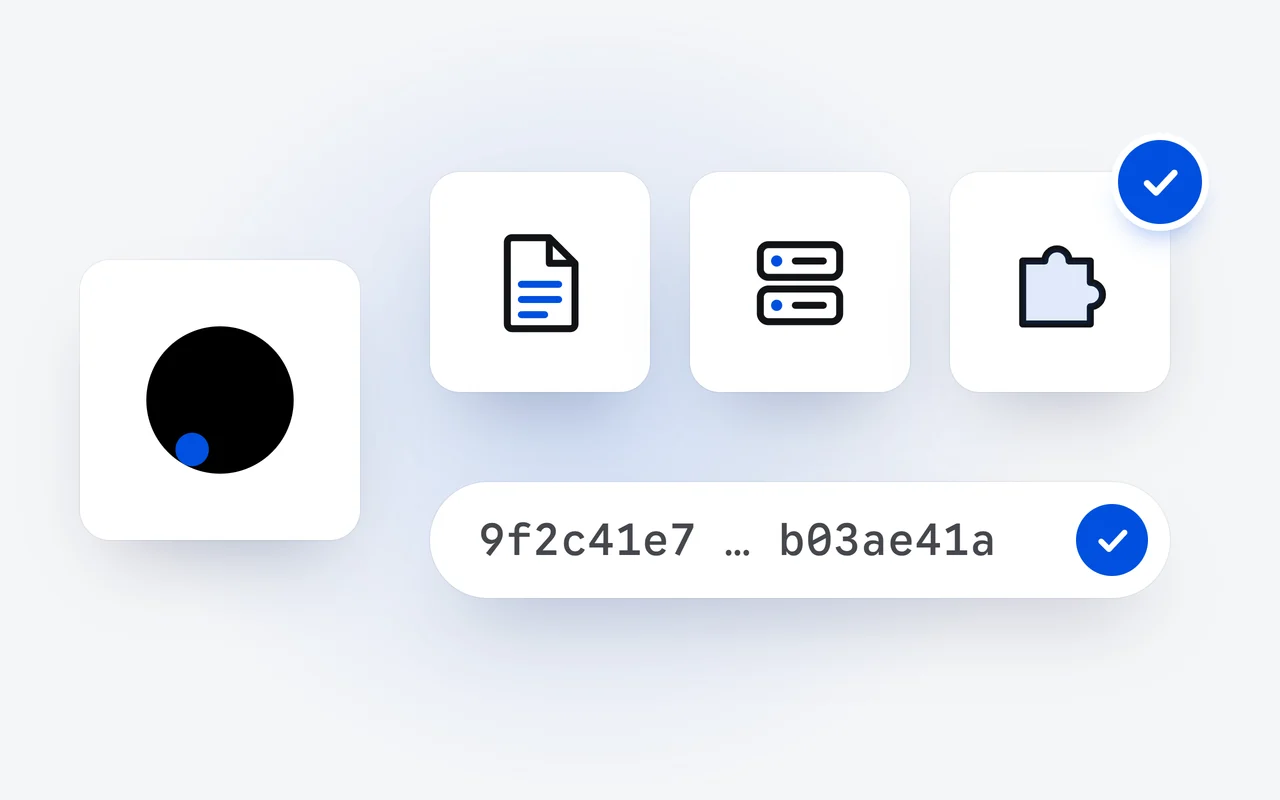
- Every file DCode downloads from the catalog is checked against the size and the file hash the catalog lists, and the install stops on a mismatch.
- A plugin's page shows the components it adds and the developer who made it, before you install.
- You can add marketplaces of your own: a GitHub repository, a git address, a file or a folder.
A coding agent is as useful as the work it knows how to do and the tools it can reach. In DCode, both come as plugins, and since DCode 2.0.1 on October 29 the Official Marketplace syncs them from our public catalog: plugins, skills and MCP servers, each ready to install in one step.
What is in the DCode catalog?
Three kinds of extension, and a plugin can bundle the other two:
| Kind | What it adds |
|---|---|
| Skill | Instructions for one kind of work: a folder with a SKILL.md file, its name, a description of when to use it, then the steps. DCode loads a skill when a task fits it. |
| MCP server | New tools: a database, an issue tracker, an internal API. A server runs on your computer as a command, or is reached at an address. |
| Plugin | A bundle of skills, commands, hooks and MCP servers, so one install teaches DCode a new kind of work or gives it new tools. |
DCode has spoken the Model Context Protocol natively since DCode 1.0, so a server from the catalog plugs straight in. The catalog itself is a public repository on GitHub, dipoleml/dipoleml-catalog: you can read what is in it before you install anything.
How do I install a plugin?
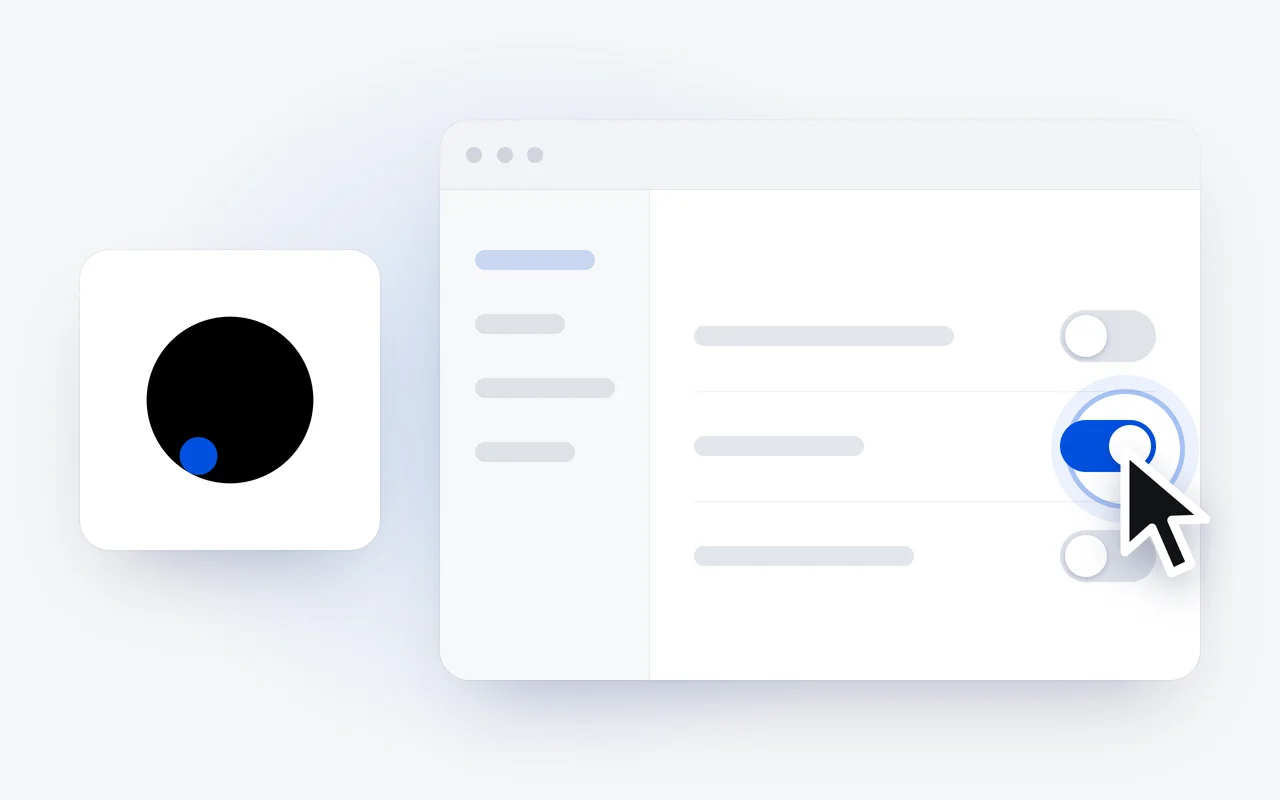
- In the desktop app, open Settings, Plugins, and choose the Discover tab.
- Browse the featured plugins and the categories, or search plugins, skills and MCP servers.
- Open a plugin to see what it contains and who made it, then choose Install.
A new plugin takes effect in new sessions. Discover reads its catalogs from GitHub, so your computer has to reach GitHub to browse and install. Since DCode 2.0.4, every plugin, ours included, opens in one place inside Plugins.
Discover
Open Settings, Plugins, Discover, and browse or search plugins, skills and MCP servers.
Read its page
A plugin's page shows the components it adds and the developer who made it.
Install and check
Each file is checked against the size and file hash the catalog lists. A mismatch stops the install.
New session
The plugin takes effect in new sessions, and the Installed tab lists it.
How does DCode check what it downloads?
File by file. When DCode installs from the catalog, it checks every file it downloads against the size and the file hash the repository lists for it, and stops if one does not match. A file that arrives changed or cut short is not installed.
A plugin that comes as a zip file is checked against its SHA-256 hash when its marketplace gives one.
What should I look at before I install?
Each plugin's page shows:
- Components: the MCP servers, skills, commands, subagents and hooks it adds.
- Information: the developer, category, version, website, privacy policy and terms.
- A Coding Plan badge on a plugin that works better with the DCode Coding Plan.
A plugin can add tools that run on your computer, and its developer is named on its page. Look at its components before you install it, and remove the ones you no longer use.
How do I manage the plugins I installed?
The Installed tab lists your plugins, with what each adds and where it came from.
- User or Workspaces. A plugin is on for you everywhere, or for one project.
- Enable and Disable switch a plugin without removing it.
- Update appears when a newer version is out, and Check for updates looks for all of them. An update takes effect in new sessions.
- Uninstall removes the plugin's files, its data folder and its saved settings. It cannot be undone.
Can I add a marketplace of my own?
Yes. Besides the official catalog, DCode takes marketplaces you add: a GitHub repository, a git address, a file or a folder. In Plugins, open Marketplaces, give the source, choose Validate marketplace, then Add marketplace. Update marketplace refreshes one, and Remove marketplace takes it away. Plugins from your own sources show under Personal.
A team can keep its own skills and MCP servers in a repository of its own and add it to DCode the same way on every computer.
Does the CLI use the same plugins?
Yes. In the CLI workspace, /plugins opens the plugin manager. From the shell:
# your plugins, and the catalog too
dcode plugins list --available

# install for this project only
dcode plugins install <plugin> --scope project

# add a marketplace from a GitHub repository
dcode plugins marketplace add <owner/repo>
DCode is a free download on the download page. The full guides are on Plugins and Skills, MCP and hooks in our docs.
Questions and answers
Where does the DCode plugin catalog come from?
It is a public repository on GitHub, dipoleml/dipoleml-catalog, and DCode installs from it in one step. The Discover tab reads its catalogs from GitHub, so your computer has to reach GitHub to browse and install.
How does DCode check a plugin it downloads?
When it installs from the catalog, DCode checks every file it downloads against the size and the file hash the catalog lists for it, and stops if one does not match. A plugin that comes as a zip file is checked against its SHA-256 hash when its marketplace gives one.
Can I add my own plugin marketplace to DCode?
Yes: a GitHub repository, a git address, a file or a folder. In Settings, Plugins, open Marketplaces, give the source, choose Validate marketplace, then Add marketplace. Its plugins show under Personal.
First published Last updated