
DCode 1.0 Generally Available: The Agentic Development Environment with Native MCP
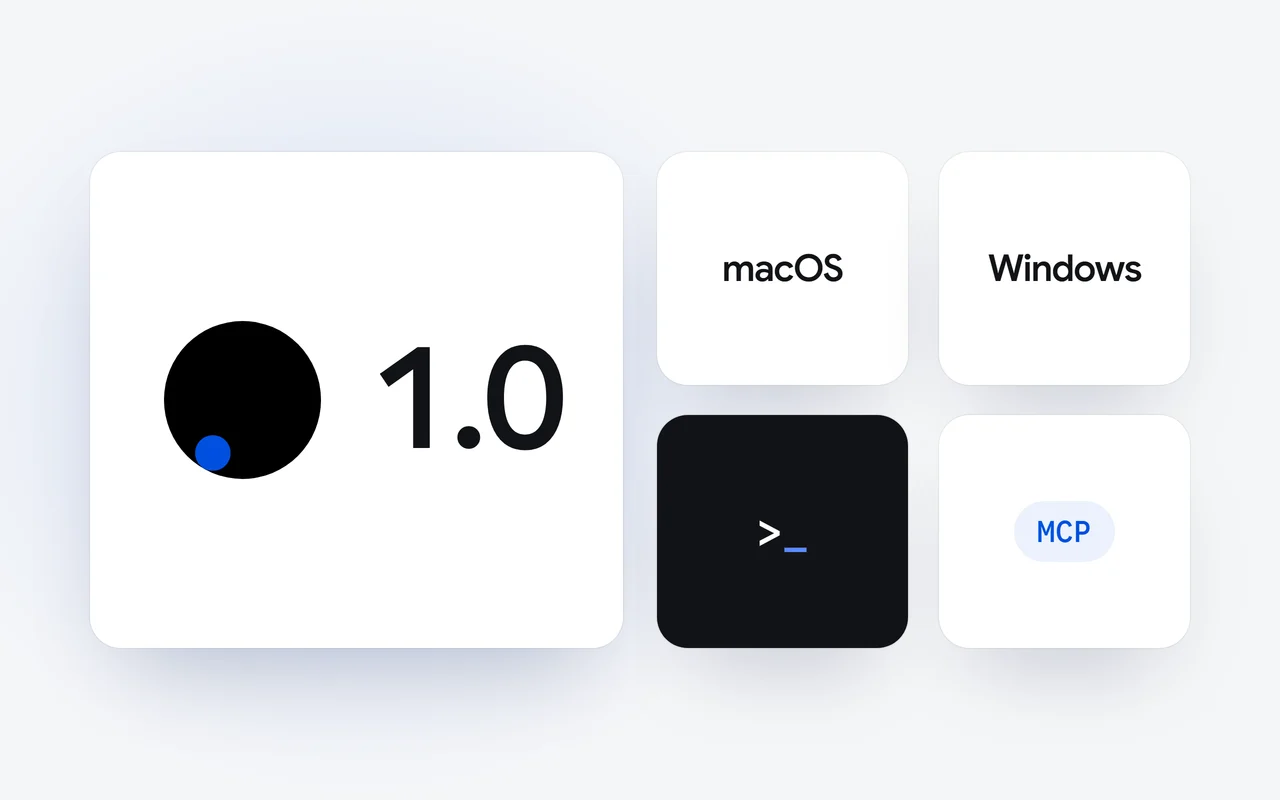
On October 1, 2026 we made DCode 1.0 generally available: our agentic coding environment, running on the Raven models, for macOS, Windows and the command line, with native MCP built in. This is the record of that release. DCode is now at version 2.5.0, with crews of up to 24 agents and Browser Use and Computer Use on by default.
Key facts
- DCode 1.0 shipped in October 2026 for macOS, Windows and the npm CLI.
- It came with native MCP, a codebase graph built before any change, and shell execution that repairs its own failures.
- DCode is now at 2.5.0: crews of up to 24 agents, Browser Use and Computer Use, and 330+ verified plugins.
- DCode is a free download; the DCode Coding Plan is $29 a month for heavy coding.
On October 1, 2026, DCode 1.0 became generally available: the agentic development environment that works inside your codebase, powered by the Raven models. It reads a repository's structure, connects to MCP servers, edits files, runs shell commands and checks its work against your tests. This page is the record of that release, with what DCode is today.
DCode 1.0
October 2026. The desktop app for macOS and Windows, the CLI on npm, native MCP and the codebase graph.
DCode 2.0.1
October 29, 2026. A new look, Browser Use and Computer Use on by default, and crews of up to 24 agents.
DCode 2.5.0
Today. Auto mode, which asks only when a step is risky, pull requests from the desktop, and a larger CLI.
What did DCode 1.0 ship with?
- macOS and Windows: desktop installers, with the macOS app Developer ID signed and notarized
- The CLI: npm install -g @dipoleml/dcode-cli drives the same agent from any shell, editor or script
- One account: the desktop app and the CLI share one account and one set of Raven usage windows
What is native MCP?
DCode came with the Model Context Protocol (MCP) built in. Connect an MCP server in one click, then query databases, fetch GitHub issues, inspect live API documentation and call internal developer tools without leaving the session.
How does DCode understand a codebase?
Before it touches disk, DCode indexes repository trees, type definitions and dependency graphs, so a change lands in its full architectural context instead of in isolation. Compilers, linters and test suites run in your own terminal, and DCode reads the error output and repairs the syntax or test failures it introduced.
What has changed since 1.0?
DCode is now at version 2.5.0. Give it one prompt and a crew of up to 24 agents reads your codebase, plans the change, edits files, runs your tests and reports what was verified. It can drive its built-in browser and, when a workflow leaves the terminal, inspect the screen and operate desktop applications; both are on by default. More than 330 verified plugins install from the marketplace, and you approve the agent's writes under the permission mode you choose. Everything DCode does today is on the DCode page, and every release since 1.0 is in the changelog.
What does DCode cost?
DCode is a free download and works with any Raven subscription through one shared allowance. For engineers who code full time, the DCode Coding Plan at $29 a month adds our largest usage allowance; when you hold both, DCode draws from the Coding Plan first and keeps your Raven allowance for everything else. Plans are on the pricing page, and the installers on the download page.
Updated November 12, 2026: this record now tells in the past tense what DCode 1.0 shipped, with what DCode is today. The line on approvals follows the DCode documentation.
First published Last updated