
Raven Studio: make images from a description
Studio is where the Raven app from Dipole ML Inc. makes images; it came with the new app on November 11, 2026. Describe a picture, pick square, portrait or landscape, and Raven makes it, with up to six of your photos if you like. Upscale to HD, Edit and More like this refine it, and Gallery and Files keep it.
Key facts
- Studio came with the new Raven app on November 11, 2026, in the sidebar at raven.dipoleml.com.
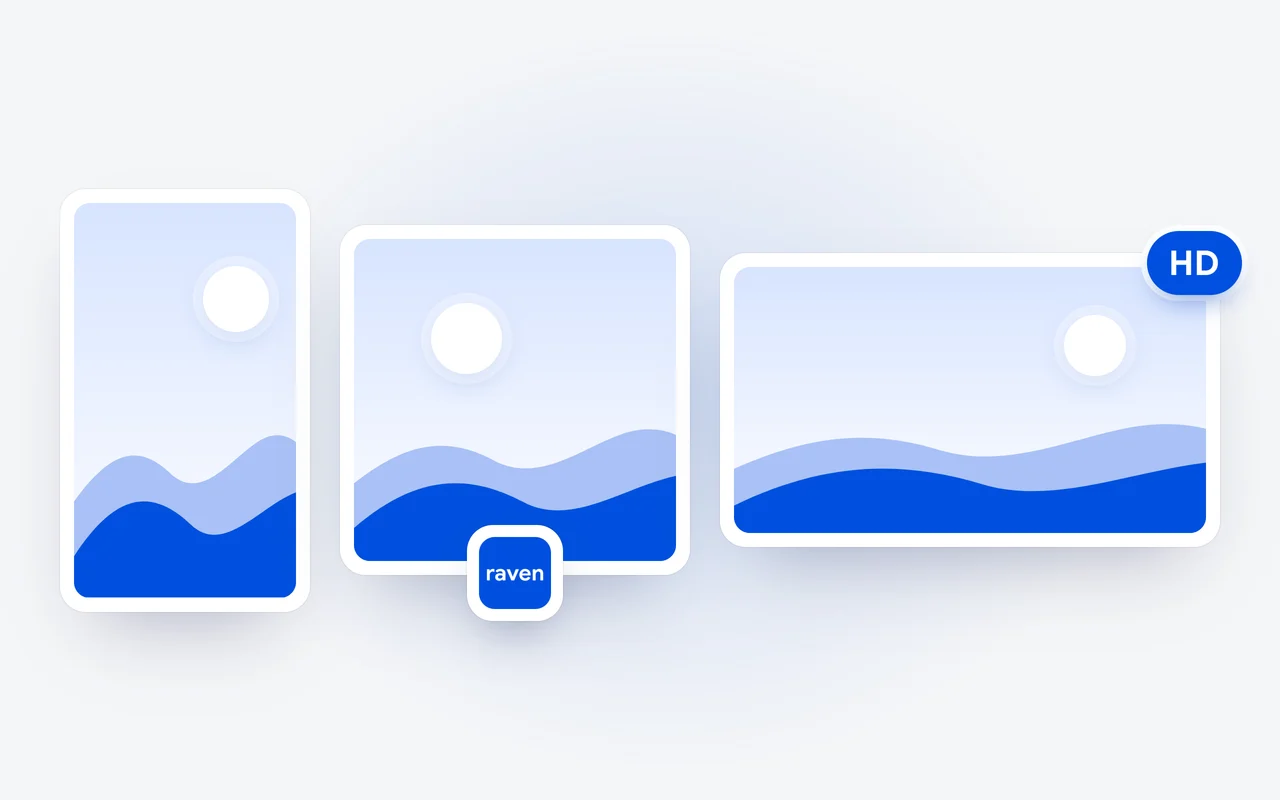
- Each image takes one of three shapes: Square (1:1), Portrait (9:16) or Landscape (16:9).
- You can add up to six of your own photos, each up to 10 MB, for Raven to work from.
- Upscale to HD makes a larger, sharper copy, Edit makes a new version from a change you describe, and More like this makes another image in the same spirit.
- Every image is kept in Studio's Gallery and in Settings, Files, under Media.
Studio arrived with the new Raven app on November 11, 2026. It is where Raven makes images: describe the picture, pick its shape, and Raven makes it. This is how to use it, from a first description to an image in HD.
How do I make an image in Studio?
- Open Studio in the sidebar of the Raven app. It opens on Create, with What would you like to make? and a few ideas to start from.
- Describe the picture in the message box.
- Pick a shape: Square, Portrait or Landscape.
- Press the round button to create it. A card shows how far along it is.
Describe it
Say what the picture should show, and add your own photos if you like.
Pick a shape
Square, Portrait or Landscape.
Create
Press the round button. A card shows how far along it is.
Refine
Upscale to HD, Edit, or More like this.
Which shape should I pick?
The one your picture is for. Studio makes each image in one of three shapes:
| Shape | Size | The frame |
|---|---|---|
| Square | 1:1 | As wide as it is tall |
| Portrait | 9:16 | Taller than it is wide |
| Landscape | 16:9 | Wider than it is tall |
Can I start from my own photos?
Yes. Press Add photos in Studio's message box and add up to six of your own photos for Raven to work from, then describe what you want. Each photo can be up to 10 MB.
Can I make an image in a chat?
Yes. In any chat, open + and choose Create an image, then describe it. The image is made in the chat, and it is also in Gallery, with everything you make in Studio.
What can I do with an image?
- Upscale to HD makes a larger, sharper copy, and the image is marked In HD when it is done.
- Edit: describe a change and Raven makes a new version. The arrows on the image move between versions.
- More like this makes another image in the same spirit.
- Save downloads it, Share shares it, and Use as profile photo puts it on your profile.
- Move to Bin keeps it for a limited time so you can restore it; Delete removes it now.
Where are my images kept?
Studio's Gallery shows everything you have made. The same images are in Settings, Files, under Media, next to the photos from your chats; the documents Raven writes are beside them, under Documents.
How many images can I make?
Studio is on every Raven plan: Raven Free at $0, Raven Pro at $20 a month and Raven Ultra at $100 a month. Images draw from an allowance of their own, with more on Pro and most on Ultra, and when it runs out the app says so. Some requests Raven will not make; it says Raven can't make that one. If an image is not what it should be, open it, then choose More and Report.
Plans are on the pricing page, and the Studio docs have every step.
Questions and answers
Can I make an image without opening Studio?
Yes. In any chat, open + and choose Create an image, then describe it. The image is made in the chat, and it is also in Gallery.
Can I change an image after Raven makes it?
Yes. Choose Edit and describe the change, and Raven makes a new version; the arrows on the image move between versions. More like this makes another image in the same spirit.
How many images can I make in Raven?
Images draw from an allowance of their own, with more on Raven Pro and most on Raven Ultra. When it runs out, the app says so.
First published Last updated