
The new Raven: a real browser, Studio, projects and routines
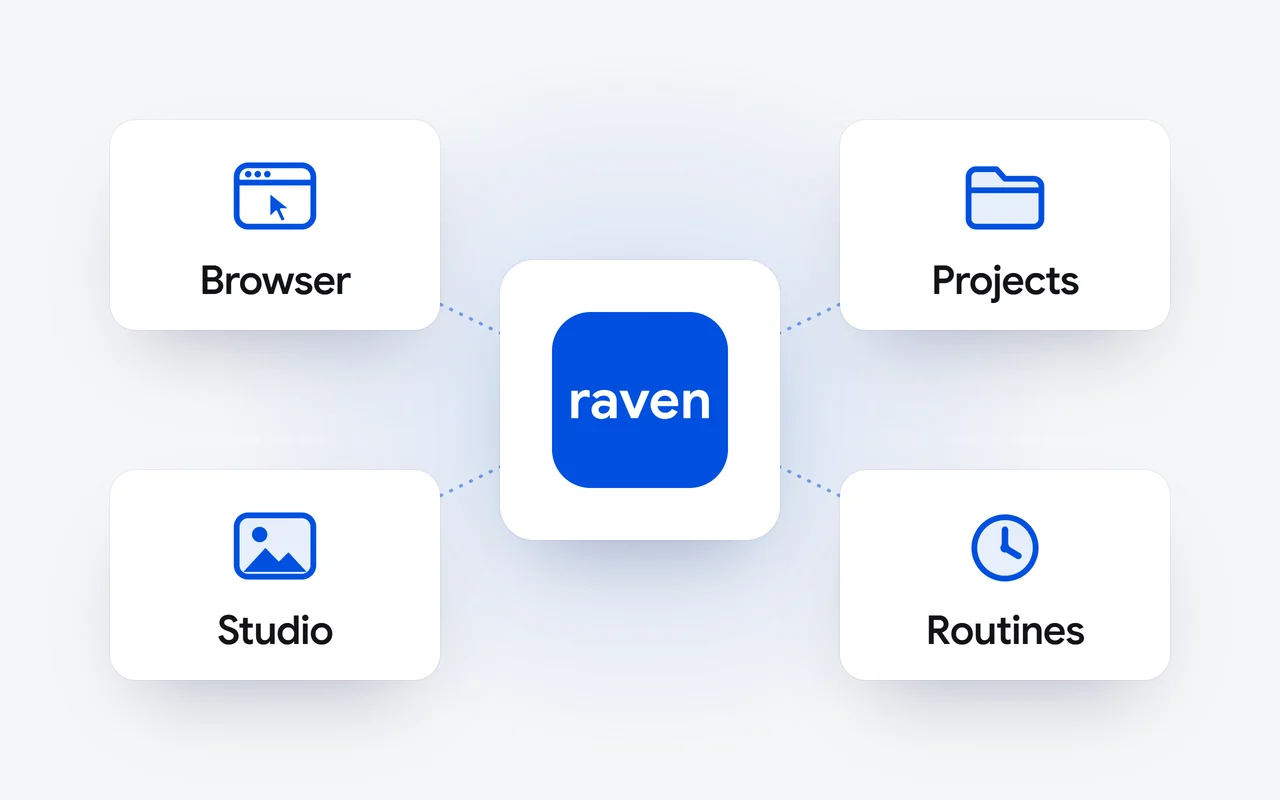
On November 11, 2026 we released the rebuilt Raven app from Dipole ML Inc. at raven.dipoleml.com. It opens a real browser in the chat that you take over to sign in, researches the web with its sources, makes images in Studio, keeps every file in one place, and adds projects and routines. Every Raven plan includes it.
Key facts
- The rebuilt Raven app went live on November 11, 2026 at raven.dipoleml.com, with sign-in by Apple, Google or email.
- Raven opens a real browser in the chat for tasks on websites; you take over to sign in yourself, and Raven is built not to type into password fields.
- Raven searches the web when a question needs it, and offers deeper research that ends in a short report with its sources.
- Studio makes images from a description, and Files keeps every image and document Raven makes, with the replies you save.
- Projects carry their own instructions, files and memory, and routines run a task on a timetable, each run in a new chat.
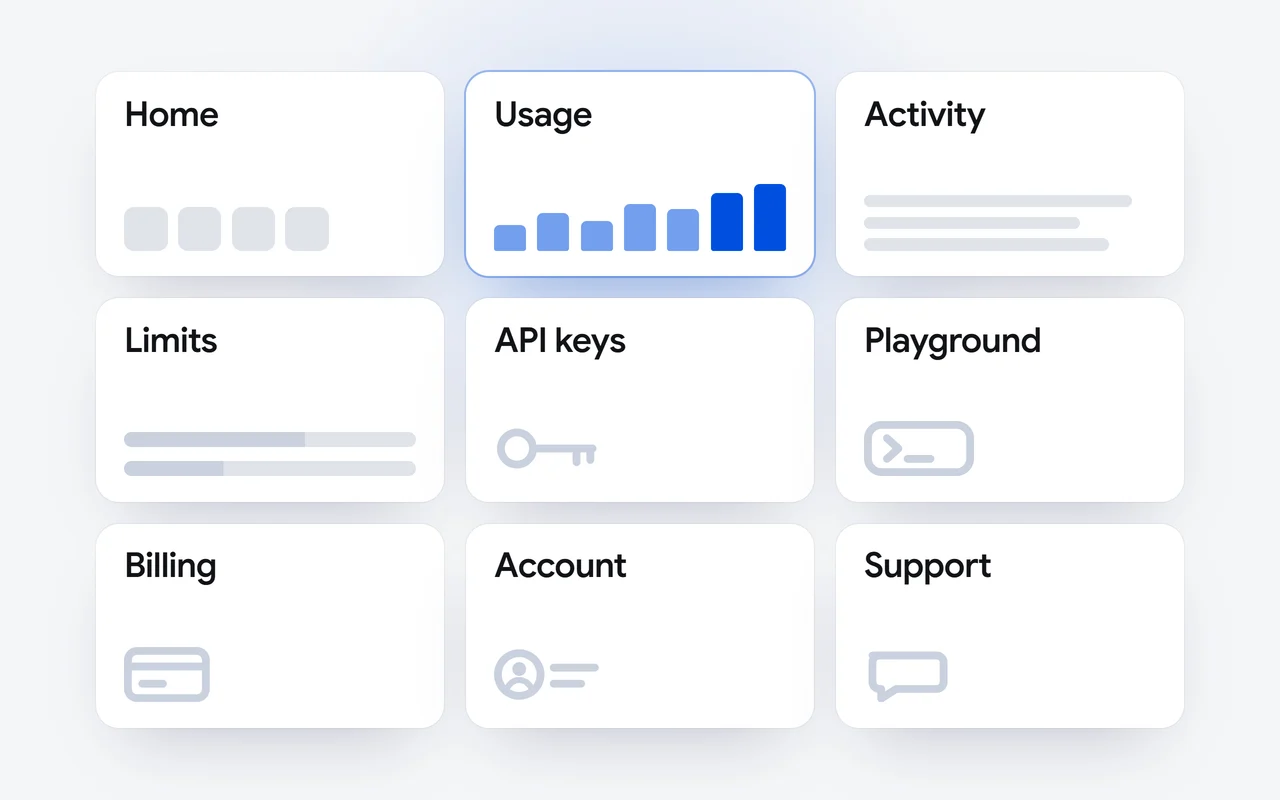
The rebuilt Raven app is at raven.dipoleml.com. It runs in your browser, on a computer or a phone, and one account carries your chats, projects, files and plan. Sign in with Apple, Google or your email address; with email, we send a code to check the address is yours.
What is new in the Raven app?
- A real browser. Raven opens a browser in the chat for tasks on websites, and you take over to sign in yourself.
- Search and research. Raven searches the web when a question needs it, and offers deeper research with its sources.
- Studio. Describe a picture and Raven makes it.
- Files. Every image and document Raven makes, and the replies you save, in one place.
- Projects with their own instructions, files and memory.
- Routines that run a task on a timetable.
- Off the record chats, and memories you edit as one text and can bring from another assistant.
How does the Raven browser work?
When a task needs a website, such as filling in a form or using a site you are signed in to, Raven opens a real browser in the chat and works through it one step at a time. Ask in plain words. A panel under the top bar shows the address, what Raven has found so far, and Raven is browsing while it works. At the end, Raven says what it found and what it could not do. For looking things up, Raven uses search; the browser is for what only a browser can do.
You can step in at any time. Press Take over and the page opens with You're in control: click in the page, type, and press Done, hand back to Raven when you are finished. Raven reads the page again and carries on.
You ask
Describe the task in plain words.
Raven works
It opens a real browser in the chat and goes through the site step by step.
You sign in
At a sign-in page Raven stops. Take over and sign in yourself.
Raven carries on
Press Done, hand back to Raven. It reads the page again and finishes the task.
Who signs in to websites?
You do. When a site needs a password, a code, a passkey or a security check, Raven opens the site's sign-in page and stops, and a card says Sign in needed. Take over, sign in yourself, and hand back. Raven is built not to type into password, card or code fields, which are always yours to fill in. Press Not now if you would rather not sign in.
Before Raven presses a button that buys or pays, sends a message, posts or publishes, or deletes or cancels something, it stops and asks, and the card names the site and the button: Allow once, Always allow on this site or Cancel. Raven is built to treat what it reads on a page as content, not as instructions. Its browser does not operate banking, payment, cryptocurrency or government account sites; there it offers Open in your browser, so you do that part yourself. Browser time is counted in minutes a day, with more on Pro and most on Ultra.
How does Raven research a question?
There is nothing to switch on. Ask something that needs current information, and Raven searches the web and reads what it finds before it answers. The answer carries numbered markers, and a sources button under it opens each source. A link you paste is read before Raven answers.
For a bigger question, Raven offers a card: Want me to research this properly? Press Start research, follow its progress on the card, and read a short report with its sources under it. Save as document turns the report into a Word document, a PDF or slides in your Files. Our story on research with sources explains how Raven cites what it reads.
What is Studio?
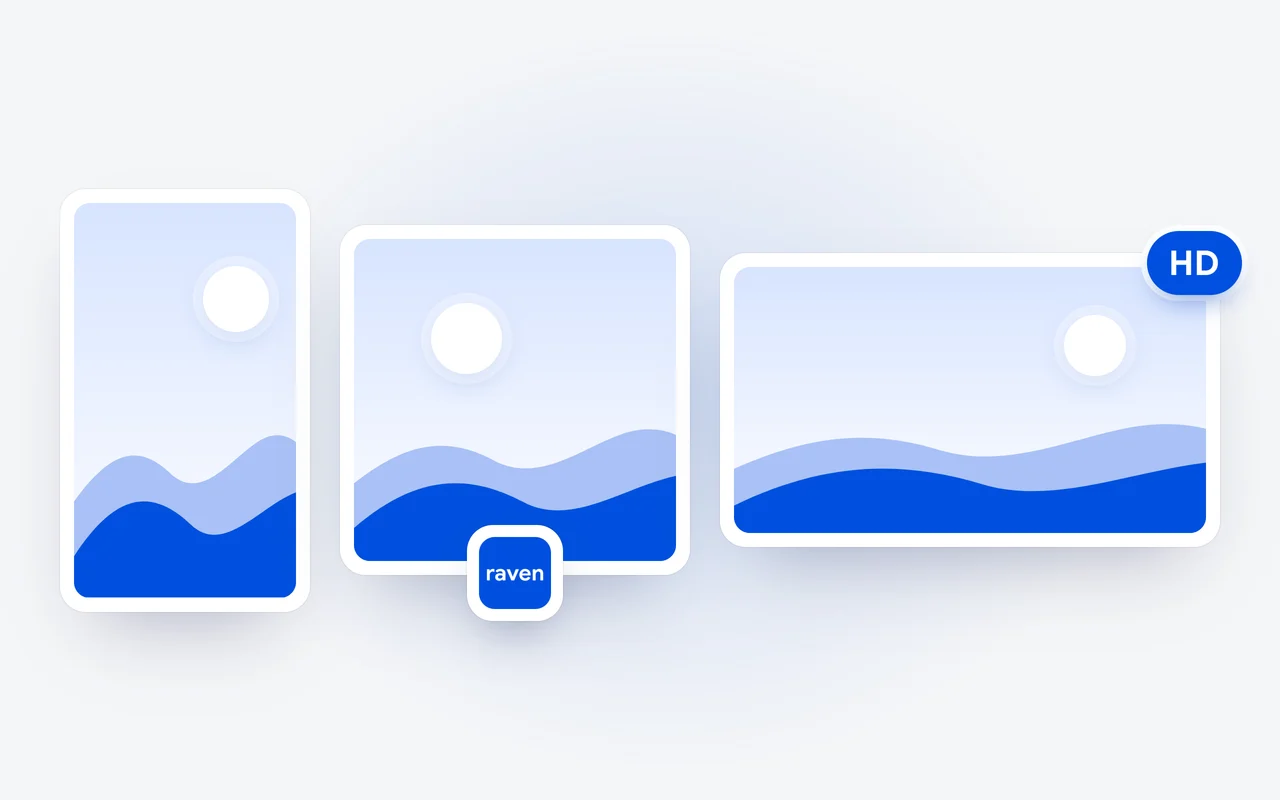
Studio is where Raven makes images. Open it in the sidebar, describe the picture, pick Square, Portrait or Landscape, and Raven makes it. You can start from your own photos, and every image offers Upscale to HD, Edit and More like this. In any chat, + and then Create an image makes one without leaving the conversation. Images have an allowance of their own, with more on Pro and most on Ultra.
Where are the files Raven makes?
In Files, in Settings, under three tabs: Media for the photos and images from your chats and Studio, Documents for the documents Raven writes and the files you add, and Saved replies for the replies you keep with Save. Raven makes real files: Word documents, slides, PDFs and spreadsheets (.docx, .pptx, .pdf and .xlsx), each a card in the chat with Open and Share, as our story on files shows. Move to Bin keeps an item for a limited time, so you can restore it.
What are projects and routines?
A project keeps related chats and files together. Its instructions, such as who the work is for and the tone to use, and its files apply to every chat in it, so you set the context once. Each project has a Memory choice: All my memories, or This project only, where Raven uses only what it learns in the project and keeps it there.
A routine is a task Raven runs on a schedule. Write what Raven should do, pick Daily, Weekdays, Weekly or Once and a time, and leave Notify me when it's done on for a notification. Each run opens a new chat marked From your routine, so it can search, research and make files like any other answer, and it draws from your plan's allowance like a message you send yourself. Run now runs it at once, and Pause stops the schedule until you resume it.
What is an off the record chat?
Turn on Off the record at the top of a new chat, or in the chat's options. The chat is not added to your chat list, Raven uses none of your memories in it and adds nothing to them, and Raven makes no files in it. A shared chat cannot go off the record.
Can I bring my memories from another assistant?
Yes. Raven keeps short facts about you, such as your work and how you like answers, and uses them in new chats. In Settings, Memories shows them as one text, a short line for each, and you change, add or remove lines as you like; your wording is what Raven uses from then on. Coming from another assistant? Bring your memories gives you a message to paste into it. Paste its answer back, press Find my memories, turn off any line you would rather leave out, and press Add to my memories. Our story on memory has more.
Which plans include the new Raven app?
Every Raven plan, with both Raven models: Raven Free at $0, Raven Pro at $20 a month and Raven Ultra at $100 a month. Browser time and images in Studio have allowances of their own, with more on Pro and most on Ultra. The plans are on the pricing page, and the Raven app docs cover every feature.
Product names are trademarks of their owners and are used here only to identify the products.
Questions and answers
Who signs in to websites in the Raven browser?
You do. When a site needs a password, a code, a passkey or a security check, Raven opens the sign-in page and stops. You press Take over, sign in yourself, then press Done, hand back to Raven. Raven is built not to type into password, card or code fields.
What is an off the record chat in Raven?
A chat with Off the record turned on. It is not added to your chat list, Raven uses none of your memories in it and adds nothing to them, and Raven makes no files in it. A shared chat cannot go off the record.
Which plans include the new Raven app?
Every Raven plan, each with both Raven models: Raven Free at $0, Raven Pro at $20 a month and Raven Ultra at $100 a month. Browser time and images have allowances of their own, with more on Pro and most on Ultra.
Can I bring my memories from another assistant?
Yes. In Settings, Memories, Bring your memories gives you a message to paste into the other assistant. Paste its answer back, press Find my memories, turn off any line you would rather leave out, and press Add to my memories.
First published Last updated