
DCode 2.0: a crew of up to 24 agents, a browser, and your screen
On October 29, 2026 we released DCode 2.0.1. A crew of up to 24 agents now works on one task in parallel, Browser Use and Computer Use are on by default, a password manager fills in passwords that are never sent to the AI model, and posting, sending, buying or deleting on a website asks first.
Key facts
- DCode 2.0.1 shipped on October 29, 2026, with installers for Windows x64 and ARM64 and for macOS on Apple silicon and Intel.
- A crew of up to 24 agents works in parallel, with a live Crew panel, and is metered in tokens only.
- Browser Use and Computer Use are on by default, and sites you sign in to stay signed in for 30 days.
- DCode fills a saved password into the page itself: passwords are kept on your computer and are never sent to the AI model.
- Posting, sending, buying and deleting on a website ask first, with a per-site option to stop asking.
On October 29, 2026 we released DCode 2.0.1, the first release of DCode 2.0. It gives DCode a new look and takes it past the code: a crew of agents for large tasks, a browser it drives itself, and the rest of your screen when a task leaves the terminal. The installers are on the download page, and everything DCode does is on the DCode page.
What is new in DCode 2.0.1?
- A crew of up to 24 agents that work on one task in parallel, with a live Crew panel.
- Browser Use and Computer Use on by default, both ready on a fresh install.
- Sites that stay signed in in the built-in browser, for 30 days.
- A password manager for the built-in browser.
- A confirmation before sensitive actions on websites.
- Catalog sync for skills, MCP servers and plugins, and a new look.
How does a crew split a task?
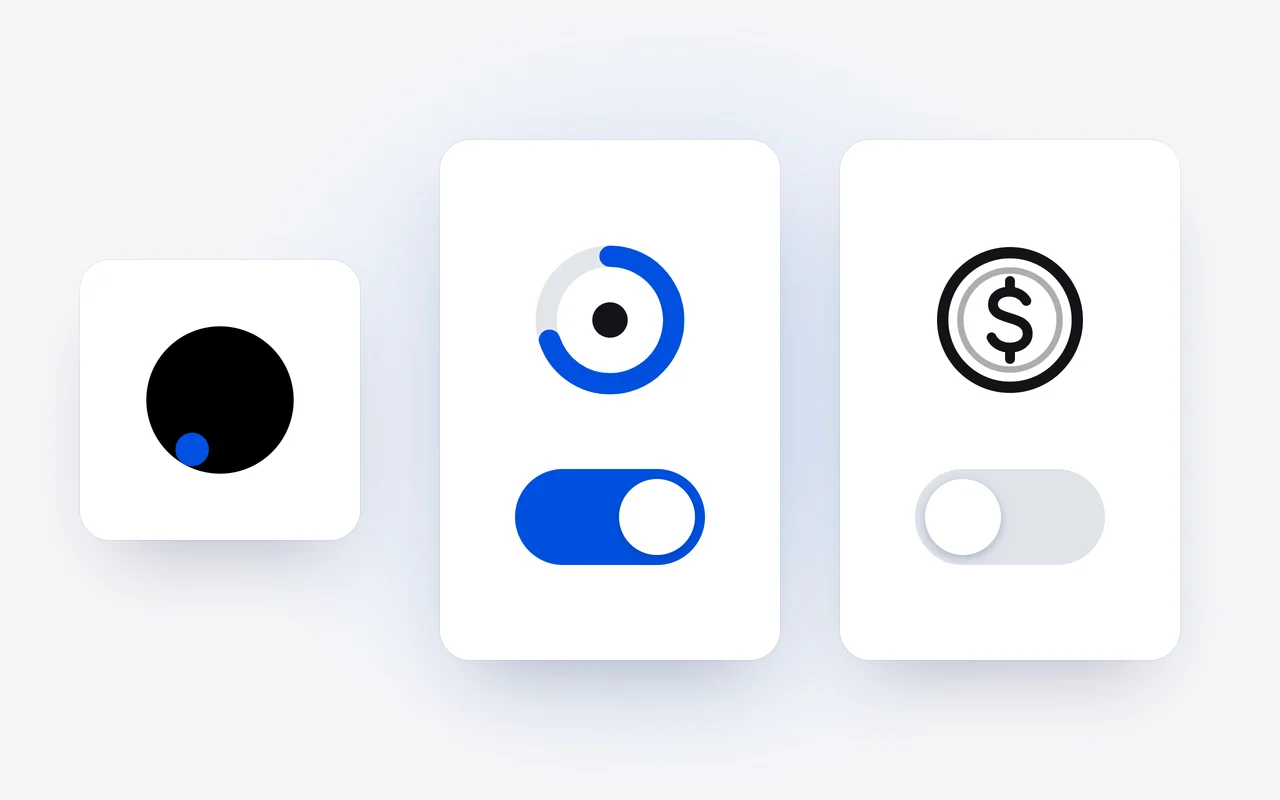
Big jobs split well. Hand DCode a large task and it can split the work across a crew of agents that work in parallel, up to 24 of them. A live Crew panel shows each agent as it works, so you can follow the whole crew at once.
One large task
DCode splits it across a crew of agents.
Up to 24 agents
The agents work on it in parallel, up to 24 of them.
A live Crew panel
You follow every agent as the crew works.
Tokens only
A crew is metered in tokens, with no separate charge per agent.
A crew is metered in tokens only, drawn from the same allowance as any other DCode work. There is no separate charge for agents working in parallel. A crew is at its best when the parts do not depend on each other, such as reviewing many files or separate investigations; for one tightly linked change, a single agent is better. The Crew docs have the details.
What can DCode do in a browser?
With Browser Use, DCode opens pages in its own built-in browser, reads what is on them, clicks and types, and reports back. It uses this to look things up and to test your work, and from 2.0.1 it is on from the start.
Sites stay signed in. The built-in browser keeps a persistent session for 30 days, so DCode can reuse a site you signed in to in later tasks. You can clear cookies, site data, cache and history, for one site or over a time range.
What asks first?
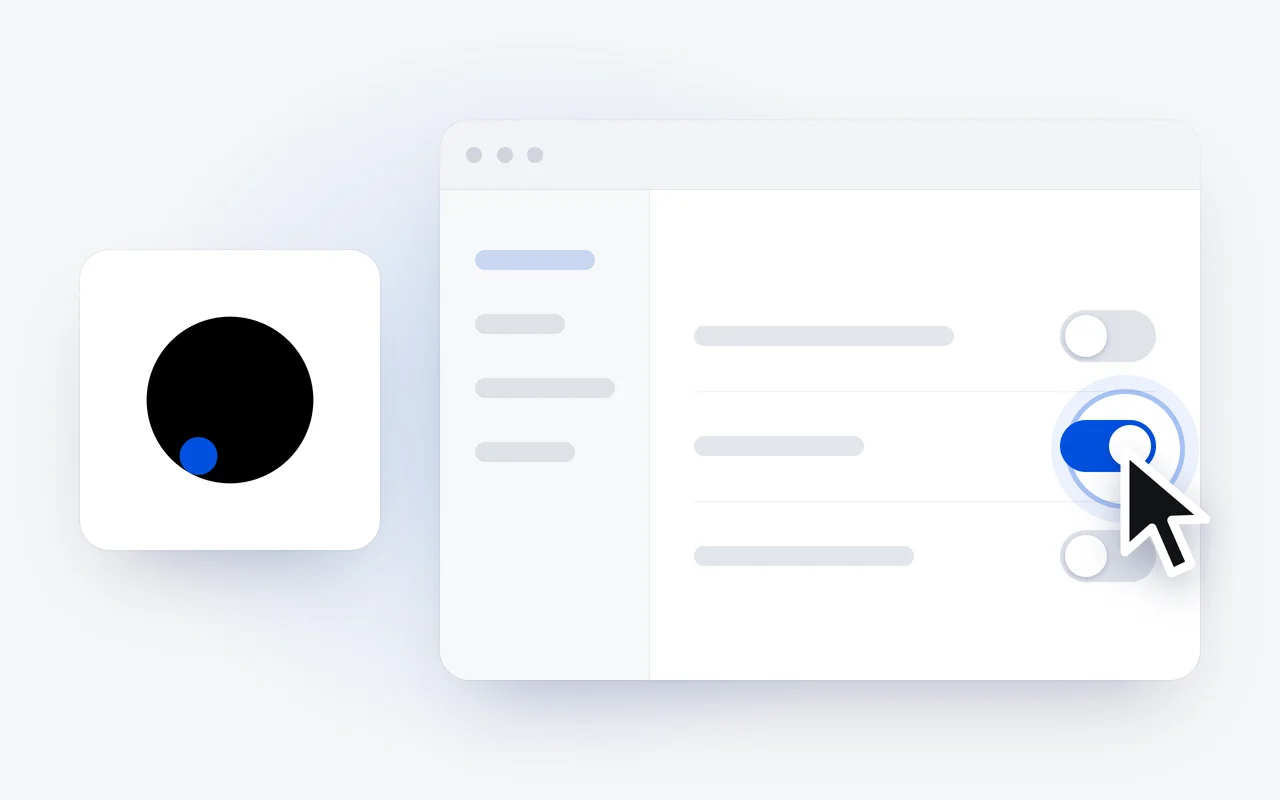
Posting, sending, buying and deleting on a website ask first, and DCode waits for your yes. For a site you trust, a per-site option stops the questions on that site.
What does Computer Use add?
Some tasks leave the terminal. With Computer Use, DCode sees your screen and works the apps on it: it clicks, types and reads what is really there. It helps when you test a change to an app by using the app, or work in a tool with no API or command line. From 2.0.1, Computer Use is on by default too.
How does the password manager keep passwords from the model?
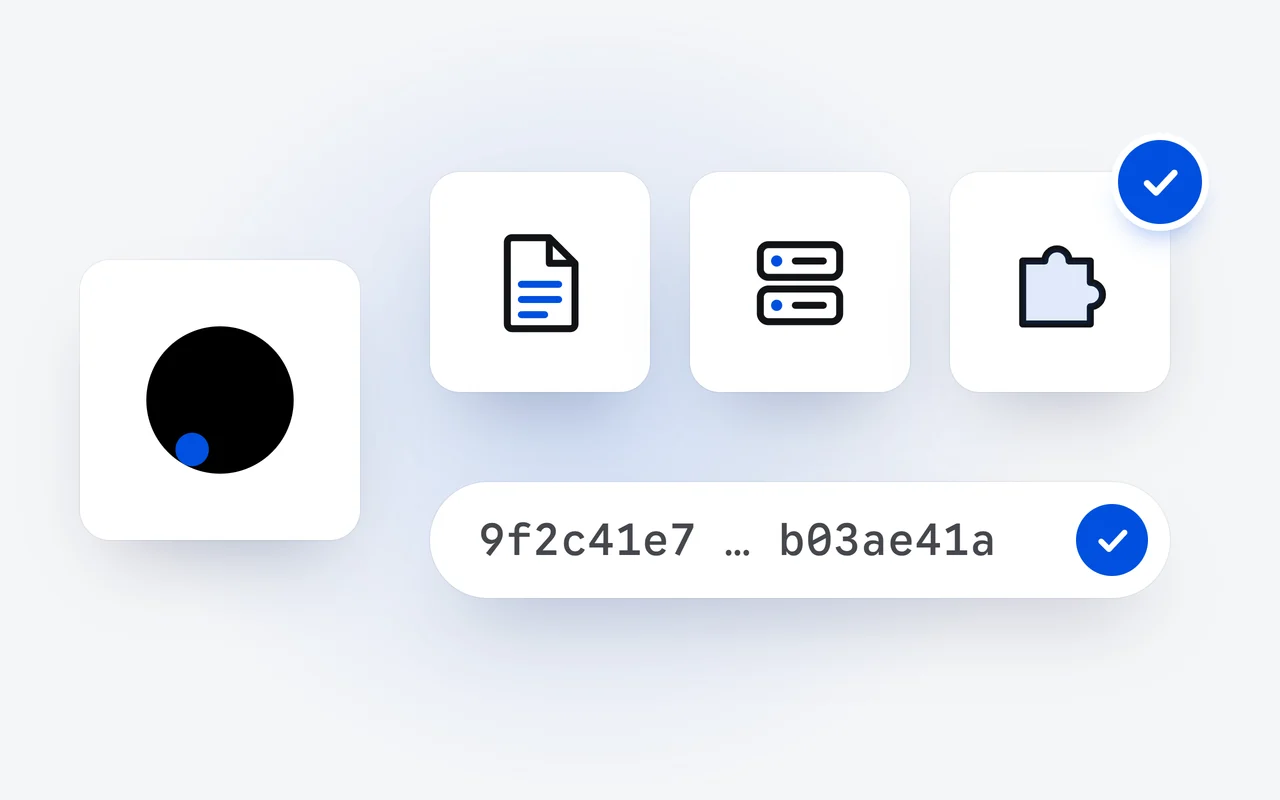
DCode has a password manager for the built-in browser. DCode fills a saved password into the page itself: passwords are kept on your computer and are never sent to the AI model. Unlocking it uses your account's two-factor authentication.
What else is in 2.0.1?
- Catalog sync. The Official Marketplace syncs skills, MCP servers and plugins from our public catalog.
- A new look. A new disc logo, app icon and animated loader, a calmer interface, and a Light, Dark or System theme in Settings.
- Billing in Settings. The billing source switch, plan or credits, works and lives in Settings.
- Sign-in on macOS. The sign-in callback returns to the app, and the plan and usage you see after a restart are correct.
- The DCode CLI 2.0.1. A rebuilt terminal workspace, with a live Crew panel and a status line.
- Native installers. Windows x64 and ARM64, and macOS on Apple silicon and Intel.
How do I get DCode 2.0.1?
DCode is a free download for Windows and macOS, on the download page. Your Raven plan works in it from the start, and the DCode Coding Plan, at $29 a month, adds a larger allowance for heavy coding; both are on the pricing page. The DCode 1.0 record tells what the first release shipped, and every release is in the changelog.
Questions and answers
How many agents can a DCode crew run?
Up to 24, working in parallel. A crew is metered in tokens only, drawn from the same allowance as any other DCode work, with no separate charge for agents working in parallel.
Does the AI model see my passwords?
No. DCode fills a saved password into the page itself: passwords are kept on your computer and are never sent to the AI model. Unlocking the password manager uses your account's two-factor authentication.
Is DCode free to download?
Yes. DCode is a free download for Windows and macOS, and your Raven plan works in it from the start. The DCode Coding Plan, at $29 a month, adds a larger allowance for heavy coding.
First published Last updated