
Vision on the DipoleML API: send Raven screenshots, scans and photos
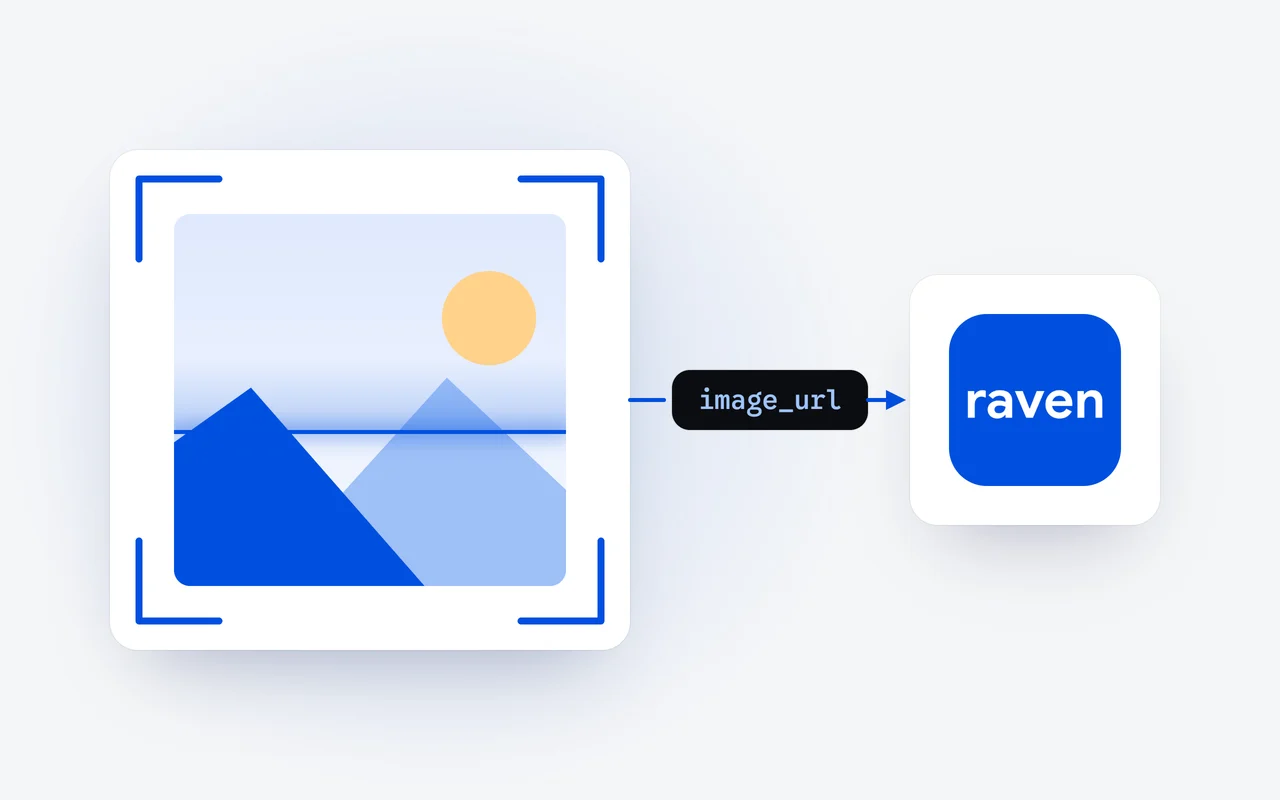
Raven Flash and Raven Max both read images on the DipoleML API. You put the image in the chat message as an image_url part next to your text, in a normal Chat Completions call, with no separate endpoint or model. The image travels as a base64 data URL, bills as input tokens and shares the 1M-token context window.
Key facts
- Vision has been part of the DipoleML API since launch day, October 1, 2026, beside streaming and tool use, in the OpenAI SDK format.
- An image is a content part of type image_url, next to a text part, in a user message of a normal Chat Completions call.
- The image goes inside the request as a base64 data URL that names its media type, so there is no upload step.
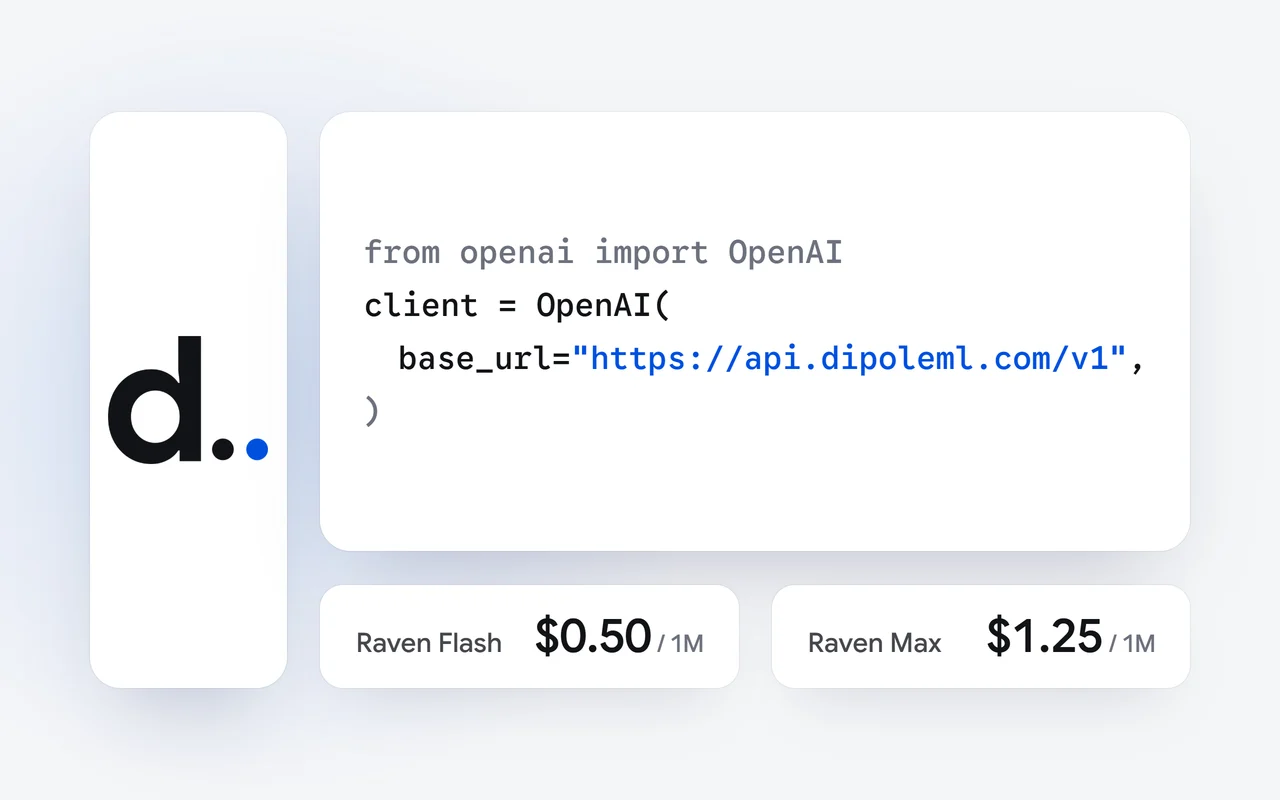
- Images bill as input tokens, with no separate charge per image: $0.50 per 1M on Raven Flash, $1.25 on Raven Max.
- Images share the context window with your text: 1M tokens on both models.
On launch day, October 1, the DipoleML API went live with OpenAI-compatible chat completions, streaming, vision and tool use. This walk-through covers vision: how to send Raven Flash or Raven Max a screenshot, a scanned page or a photo, what an image costs, and how it fits in the context window. The sample uses the OpenAI Python SDK, pointed at our base URL.
How does vision work on the DipoleML API?
Both models read images, and there is no separate endpoint or vision model to choose. An image is one more part of a user message: an image_url part next to a text part, in a normal Chat Completions call. The model name stays Raven Flash or Raven Max, and the answer comes back as text, in the usual shape.
Encode the image
Your code reads the screenshot, scan or photo and encodes it in base64.
Add it to the message
A data URL goes in an image_url part, beside your question in a text part.
Make one normal call
Chat Completions, with Raven Flash or Raven Max as the model name.
Read the answer
Raven answers in text, and the usage counts the image as input tokens.
How do I send an image with the OpenAI SDK?
Create an API key in your dashboard, add credits, and keep the key in an environment variable. Then read the image, encode it in base64 and put it in a data URL that names its media type. The image travels inside the request, so there is nothing to upload or host first:
import base64, os
from openai import OpenAI

client = OpenAI(
    base_url="https://api.dipoleml.com/v1",
    api_key=os.environ["RAVEN_API_KEY"],
)

with open("screenshot.png", "rb") as f:
    b64 = base64.b64encode(f.read()).decode()

question = "What went wrong here, and what should I try first?"
resp = client.chat.completions.create(
    model="Raven Flash",
    messages=[{
        "role": "user",
        "content": [
            {"type": "text", "text": question},
            {"type": "image_url",
             "image_url": {"url": f"data:image/png;base64,{b64}"}},
        ],
    }],
)
print(resp.choices[0].message.content)
print(resp.usage.prompt_tokens, "input tokens, the image included")
The last line prints the call's input tokens, the image included: the count you pay for on the input side.
What can I send Raven?
Anything you would show a colleague to ask a question about it. Three common uses:
- Screenshots. An error dialog, a chart from a dashboard, a page that renders wrong: ask what it shows, what went wrong, or what to try first.
- Scanned pages. A printed invoice, a signed form, a page of a manual: ask for the text, the totals or a short summary.
- Photos of whiteboards. The diagram from a planning meeting: ask for it as a list of steps, or as a table of who does what.
Ask the question you want answered, in plain words, as you would ask someone looking at the same picture. For many images in a pipeline, Raven Flash is the fast, lower-priced choice; for a hard picture that needs careful reasoning, use Raven Max.
What does an image cost?
An image counts as input. There is no separate charge per image: the call is billed by the tokens in its usage, at the model's prices. Raven Flash costs $0.50 per 1M input tokens and $2.50 per 1M output tokens; Raven Max costs $1.25 and $6.25. Calls are paid from prepaid credits that never expire, and every price is on the pricing page. For the arithmetic of a whole task, see what an AI task costs, worked to the cent.
How do images fit in the context window?
Because an image is input, it shares the context window with your text and the rest of the conversation: 1M tokens on both models. Each call carries the conversation you send with it, so an image from an earlier turn counts as input again on every later call that still includes it. In a long conversation about one screenshot, that adds up; once the picture has done its job, you can leave it out of the history you send. Our story on the 1M-token context window explains what fits.
What should I check before I send an image?
- Name the image's real media type in the data URL: data:image/png;base64,... for a PNG file.
- Put images in user messages, next to the question about them.
- Keep the key on your server. A key can spend your credit balance, so call the API from server code or a script, never from a web page or a mobile app.
Where do I go next?
The API page lists what the DipoleML API supports, and the vision reference has every field. To let Raven call functions in your own code, read tool calling on the DipoleML API; to choose a model, see the Raven models.
Questions and answers
Do I need a different model or endpoint for images?
No. Send the same model name, Raven Flash or Raven Max, to the same Chat Completions endpoint. The image is one more part of the message, and the rest of the request is unchanged.
Do I have to upload the image first?
No. A base64 data URL carries the image inside the request, so there is no upload step and nothing to host.
How is an image billed?
As input tokens, at the model's input price: $0.50 per 1M on Raven Flash and $1.25 on Raven Max. There is no separate charge per image, and an image left in the history counts again on every call that sends it.
First published Last updated