
Browser Use in DCode, with a password manager the model never sees
With Browser Use, DCode works in its own built-in browser: it opens pages, reads them, clicks, types and reports back. Sites stay signed in for 30 days, and posting, sending, buying and deleting ask first. Its password manager fills in saved passwords itself: they are kept on your computer and are never sent to the AI model.
Key facts
- Browser Use has been on by default since DCode 2.0.1, released on October 29, 2026.
- The built-in browser keeps a persistent session for 30 days, and you can clear it by site or over a time range.
- Posting, sending, buying and deleting on a website ask first, with a per-site option to stop asking.
- DCode fills a saved password into the page itself: passwords are kept on your computer and are never sent to the AI model.
- Unlocking the password manager uses your account's two-factor authentication: the 6-digit code from your authenticator app.
A lot of the work around code happens on web pages. DCode does that work in its own built-in browser, and since DCode 2.0.1, released on October 29, 2026, Browser Use has been on by default. Here is how it works, how sites stay signed in, what asks first, and how the password manager fills in passwords.
What is Browser Use?
With Browser Use, DCode opens pages in its own built-in browser, reads what is on them, clicks and types, and reports back. It uses this to look things up and to test your work. Ask in plain words, for example "open the app on localhost and check that the sign-up form works", and DCode opens the page in its own browser window and works through it. Browser Use is ready on a fresh install.
Do sites stay signed in?
Yes. Sign in to a site once in the built-in browser and DCode can reuse that session in later tasks: the browser keeps a persistent session for 30 days. To start fresh, clear cookies, site data, cache and history, for one site or over a time range.
What does DCode ask before it acts on a website?
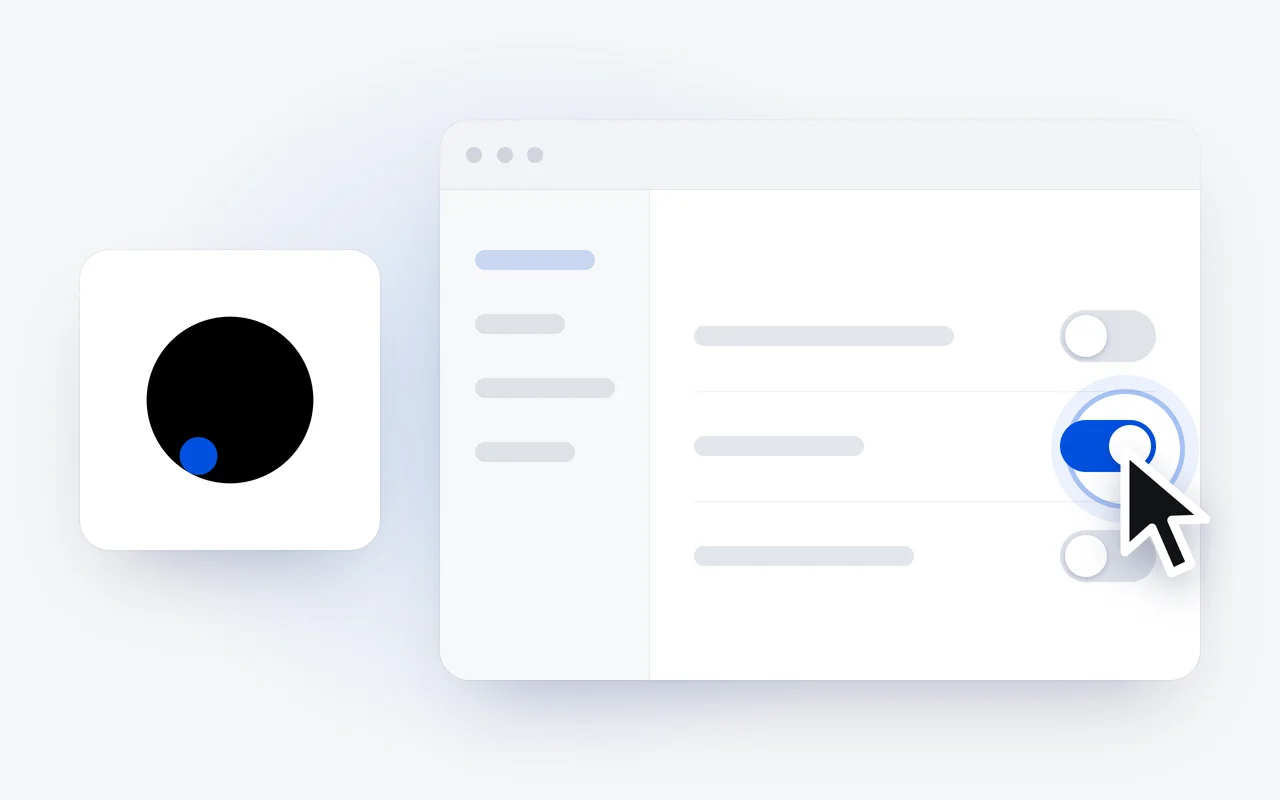
Posting, sending, buying and deleting ask first. DCode stops before the step and waits for your yes. For a site you trust, a per-site option stops the questions on that site.
How does the password manager work?
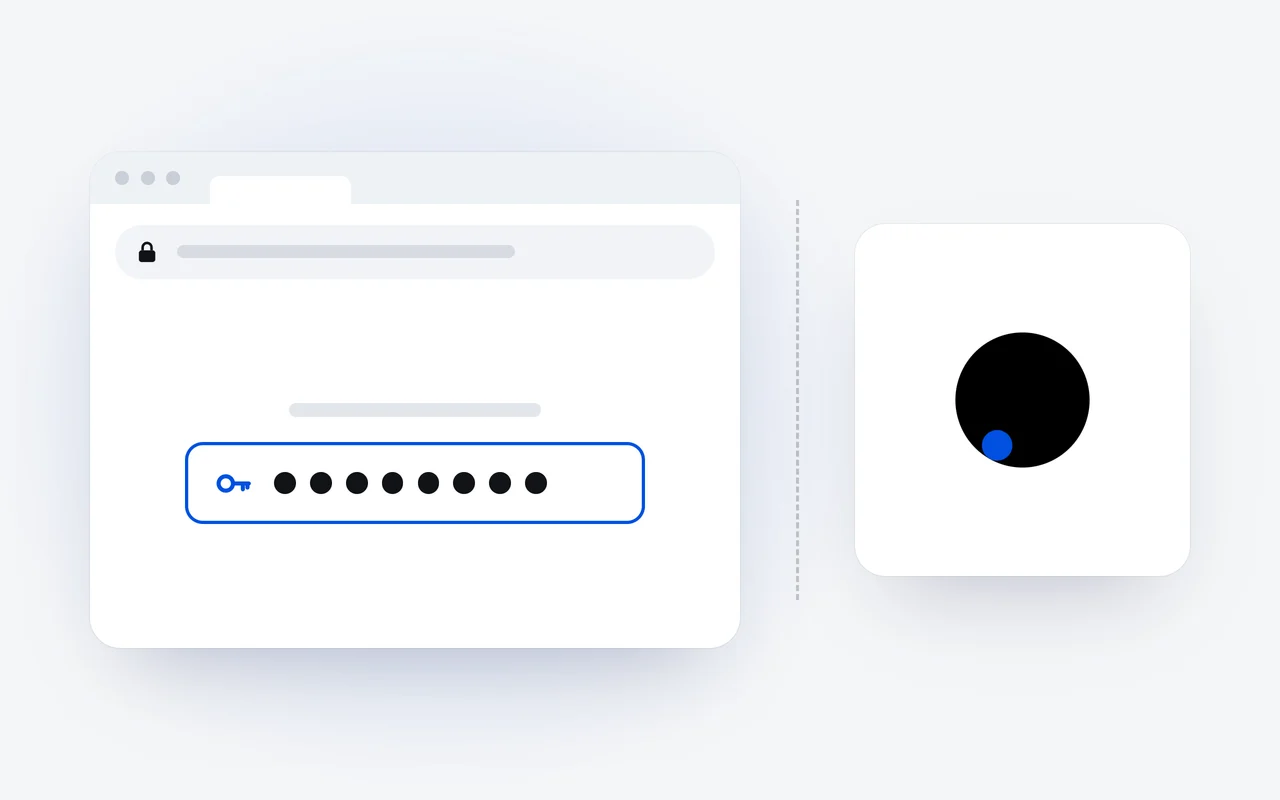
DCode has a password manager for the built-in browser. DCode fills a saved password into the page itself: passwords are kept on your computer and are never sent to the AI model.
Two-step sign-in
The password manager needs it on your account, with an authenticator app.
Unlock with your code
Type the 6-digit code from your authenticator app.
DCode fills it in
DCode fills a saved password into the page itself.
Never sent to the model
Passwords are kept on your computer and are never sent to the AI model.
The password manager needs two-step sign-in with an authenticator app on your account, and unlocking it uses your account's two-factor authentication. If two-step sign-in is not on yet, DCode offers to set it up: confirm it is you in your browser, scan the code with your authenticator app, and type the 6-digit code it shows. After that, you unlock the password manager with the 6-digit code from your authenticator app.
Where does Computer Use come in?
For web pages, DCode has its own browser. When a task leaves the browser and the terminal, Computer Use lets DCode see your screen and work the apps on it; it has been on by default since 2.0.1 too. Our DCode 2.0 story covers the rest of that release, from the crew of up to 24 agents to the catalog.
How do I start?
Install DCode from the download page, open a project and ask for something on a web page. In the CLI, dcode doctor checks that a browser is there for Browser Use. Every setting is in the Browser and Passwords docs.
Questions and answers
Does the AI model see my passwords?
No. DCode fills a saved password into the page itself: passwords are kept on your computer and are never sent to the AI model.
What do I need to use the password manager?
Two-step sign-in with an authenticator app on your account. If it is not on yet, DCode offers to set it up: confirm it is you in your browser, scan the code with your authenticator app, and type the 6-digit code it shows.
How long do sites stay signed in?
The built-in browser keeps a persistent session for 30 days, so DCode can reuse a site you signed in to in later tasks. You can clear cookies, site data, cache and history by site or over a time range.
What does DCode ask before doing on a website?
Posting, sending, buying and deleting. DCode asks first and waits for your yes; for a site you trust, a per-site option stops the questions.
First published Last updated