
Scripting and CI with the DCode CLI: dcode -p, JSON and schedules
The DCode CLI runs in scripts and CI jobs with dcode -p: one prompt in, then text, JSON or stream-json out, with an exit code a script can check. DCode 2.5, released on November 10, 2026, adds options such as --allowed-tools and --json-schema, sign-in for CI jobs with DCODE_API_KEY, and dcode schedule for prompts on a timetable.
Key facts
- dcode -p runs one prompt without the workspace and exits, and --output-format prints text, json or stream-json.
- DCode 2.5 adds --allowed-tools, --add-dir, --max-turns, --system-prompt, --append-system-prompt, --input-format stream-json and --json-schema, among other options.
- DCODE_API_KEY signs in a CI job without a browser, and its requests are paid from your API credits.
- A -p run is in Full access unless you pass --mode, and a step that would ask is refused.
- dcode schedule runs a prompt on a timetable through your computer's own scheduler, in Auto unless you pass --mode.
dcode -p runs one prompt without the workspace and exits. It reads the folder it runs in, does the task and prints the answer, so a script or a CI job can use it. DCode 2.5, released on November 10, 2026, gives it the options scripts and CI jobs need, a way to sign in on a CI machine, and dcode schedule for prompts on a timetable. The rest of the release is in our DCode 2.5 story, and the terminal workspace in our story on the DCode CLI 2.0.
How do I run one prompt?
dcode -p "Explain the failing tests in this repository"Without --model, a run uses your saved choice, else Raven Flash; --model "Raven Max" picks the other model. --attach adds a file, an image or a PDF, and --cwd runs in another folder. A run never stops to ask about updates.
Sign in
DCODE_API_KEY from your CI's secrets, or the sign-in saved by dcode login.
Choose the mode
--mode plan, or --mode build with --allowed-tools. Full access otherwise.
Run one prompt
dcode -p does the task in the folder it runs in, then exits.
Read the result
Text, json or stream-json, and an exit code: 0 when it is done.
What is new for scripts in DCode 2.5?
These options are new for dcode -p in 2.5:
--allowed-tools <rules...>lets tools run without asking for this run, for example"Bash(npm test:*) Edit".--add-dir <folders...>lets the agent work in more folders than the current one.--max-turns <n>stops the run after this many turns.--system-prompt <text>replaces the system prompt for this run.--append-system-prompt <text>adds text after the system prompt for this run.--input-format stream-jsonreads your messages from standard input, one JSON object per line, with--output-format stream-json.--json-schema <schema>makes the answer JSON that matches this schema, given as JSON text or a file.--mcp-config <file|json>adds MCP servers for this run.--settings <file|json>loads more settings for this run, as JSON text or a file.--fallback-model <name>is the model the run uses when the chosen one is busy.--name,--session-idand--fork-sessionname the session, start it with an id you choose, or carry on in a copy of a session.--worktree [name]runs in a new git worktree on the branchdcode/<name>, so the run's changes stay apart from your working tree.
Every flag is in the CLI reference.
What may a run do without asking?
Nobody can answer a question during a -p run, so a step that would ask is refused. That is why -p runs in Full access unless you pass another mode. On a machine or a repository you care about, choose what the run may do:
# read and plan only
dcode -p "Plan the migration to the new API" --mode plan

# ask-before-changes, with the tools the job needs allowed up front
dcode -p "Run the tests and fix what fails" --mode build --allowed-tools "Bash(npm test:*) Edit"

# no shell for this run
dcode -p "Summarise the open TODOs" --disallowed-tools "Bash"
--allowed-tools takes tool names such as Edit, rules such as Bash(npm test:*) and MCP tools, separated by spaces. A rule that is not a tool rule stops the run before it starts. What each mode allows is on Permission modes.
What does a run print?
--output-format | What is printed |
|---|---|
text | The answer, and nothing else. The default. |
json | One JSON object when the run ends. --json does the same. |
stream-json | One JSON object per line for each event as it happens, then a closing line whose type is "result", with the fields of json. |
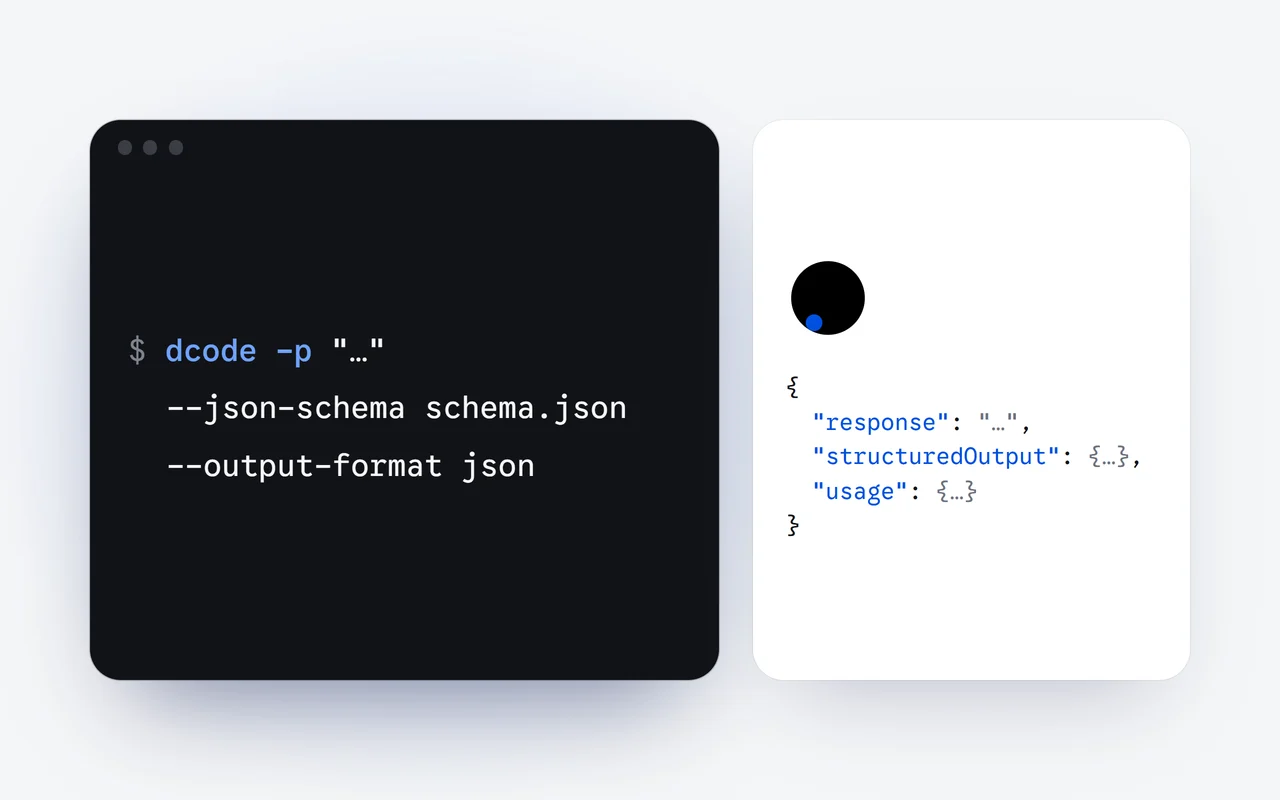
Any other value stops the run with a message, so a typo never turns into plain text a parser cannot read. The JSON object holds response, the answer; sessionId, to pick the session up again with --resume; usage, the run's tokens when they are known; and, with --json-schema, structuredOutput, the answer as a JSON value.
New in 2.5, --input-format stream-json sends several messages on standard input. Each line with "type":"user" runs one turn, all in the same session, and each ends with its own result line:
printf '%s\n' '{"type":"user","message":{"role":"user","content":"Find the slowest test"}}' \
  '{"type":"user","message":{"role":"user","content":"Now make it faster"}}' \
  | dcode --input-format stream-json --output-format stream-json
How does a script read a JSON answer?
Give --json-schema a schema, as JSON text or a file, and the answer must be JSON that matches it. If the first answer does not match, DCode asks once more in the same session; if that one does not match either, the run prints Error: the answer did not match --json-schema with the reason and exits with 1. A schema for a list of package names, in schema.json:
{
  "type": "object",
  "properties": {
    "packages": { "type": "array", "items": { "type": "string" } }
  },
  "required": ["packages"]
}
Run it with JSON output, then read structuredOutput from any script. Here with Node.js, which the CLI already needs:
dcode -p "List the packages in this repository" --json-schema schema.json \
  --output-format json > run.json
node read-packages.mjs
// read-packages.mjs
import { readFileSync } from "node:fs";
const run = JSON.parse(readFileSync("run.json", "utf8"));
for (const name of run.structuredOutput.packages) console.log(name);How do I run DCode in CI?
Set DCODE_API_KEY to an API key from your dashboard, kept in your CI's secrets and never in the repository. It signs in for that run without a browser. The key is held in memory for that run only and is never saved, and it is taken out of the environment before anything runs, so the agent's own commands never see it. If the key is refused, the run says so and exits with 1.
A job for GitHub Actions that reviews each pull request and keeps the answer as JSON. Any CI that runs Node.js 22.13 or newer works the same way: install the CLI, set the key from the secrets, run dcode -p.
name: DCode review
on: pull_request

jobs:
  review:
    runs-on: ubuntu-latest
    steps:
      - uses: actions/checkout@v4
        with:
          fetch-depth: 0
      - uses: actions/setup-node@v4
        with:
          node-version: 22
      - run: npm install -g @dipoleml/dcode-cli
      - run: |
          dcode -p "Review the changes on this branch and list the risks" \
            --mode plan --output-format json > review.json
        env:
          DCODE_API_KEY: ${{ secrets.DCODE_API_KEY }}
      - run: node -e "console.log(require('./review.json').response)"
Requests made with an API key are paid from your API credits. Credits come in packs of $5, $10, $20 and $50; they are bought once, never renew and never expire. A key can be given a spending cap and an expiry, as our story on one key per app explains.
Which exit codes does a run return?
| Code | Meaning |
|---|---|
| 0 | Done. |
| 1 | Something failed: a wrong flag or value, an empty prompt, a refused API key, an answer that did not match --json-schema, a line on standard input that was not JSON, or an error during the run. |
| 2 | No sign-in. |
| 3 | Node.js is too old: 22.13 or newer is needed. |
An error is one plain line on standard error, with the run's traceId, and --verbose prints the full error output. Without DCODE_API_KEY, a run uses the sign-in saved on the machine by dcode login; with neither, it exits with 2.
How do I run a prompt on a schedule?
New in 2.5, dcode schedule runs a prompt on a timetable:
# every weekday at 9:00, in this folder
dcode schedule add "every weekday at 9:00" "Summarize yesterday's commits and open TODOs"

# a cron expression, another folder, plan mode
dcode schedule add "30 7 * * 1" "Check the dependencies for updates and list them" --cwd ~/code/api --mode plan

dcode schedule list
dcode schedule run <id>
dcode schedule remove <id>
The time is a five-field cron expression in local time (minute, hour, day, month, weekday), or words such as "every day at 9:00", "every monday at 8:30" or "every 2 hours". Each run is dcode -p with your prompt in that folder, the current one unless you pass --cwd, in Auto unless you pass --mode. Your computer's own scheduler starts the runs, so the CLI does not need to be open, and each run's output is added to a log under ~/.dcode/cli/schedules. list --json prints the schedules as JSON.
Nobody is there to answer during a scheduled run either, so a step that would ask is refused: in Auto, anything Auto always asks about, such as a push or a deploy, does not happen. Pass --mode plan for a task that should only read and report. The Automations docs have more.
How do I install the CLI?
The CLI needs Node.js 22.13 or newer. Install it with one line, or with npm:
# macOS and Linux
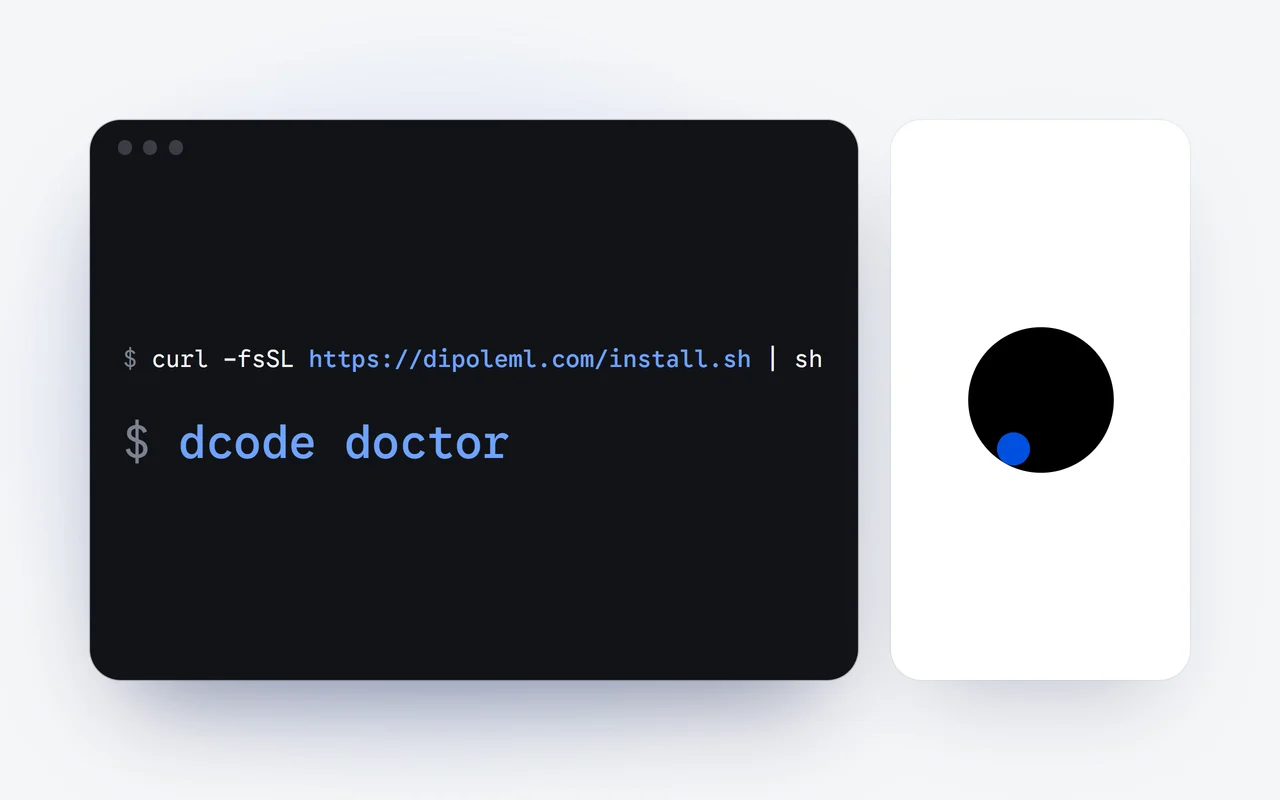
curl -fsSL https://dipoleml.com/install.sh | sh

# Windows (PowerShell)
irm https://dipoleml.com/install.ps1 | iex

# or with npm
npm install -g @dipoleml/dcode-cli
The CLI is free to install, and runs signed in with your account draw on your plan. Plans and the per-token API prices are on the pricing page, and every option of a run is in the Scripting and CI docs.
Questions and answers
How do I run DCode in a CI job?
Install the CLI with npm on a runner with Node.js 22.13 or newer, set DCODE_API_KEY from your CI's secrets, and run dcode -p with the mode the job needs. The key signs in for that run only, and its requests are paid from your API credits.
Can dcode -p print JSON?
Yes. --output-format json prints one JSON object when the run ends, with the answer in response and the session in sessionId; stream-json prints one object per line as events happen. With --json-schema, the answer must match your schema and arrives in structuredOutput.
What can a dcode -p run do without asking?
Nobody can answer during a run, so a step that would ask is refused, and -p runs in Full access unless you pass another mode. For a careful run, pass --mode plan, or --mode build with the tools the job needs in --allowed-tools.
Does dcode schedule need the CLI to stay open?
No. Your computer's own scheduler starts each run, as dcode -p in the folder you chose, in Auto unless you pass --mode. Each run's output is added to a log under ~/.dcode/cli/schedules.
First published Last updated